



What is the whole timeline at a glance?
Times are suggestions. Adjust to your property and booking window, and avoid sending anything at night in the guest's time zone.
| Step | When | One job |
|---|---|---|
| 1. Booking confirmation | Within the hour of booking | Confirm, thank, ask for arrival time |
| 2. Pre-arrival | 3 to 5 days before | Directions, check-in time, questions answered in advance |
| 3. Check-in day | Morning of arrival | Codes, address, who to call |
| 4. Mid-stay check | Evening of day 1 or morning of day 2 | Ask if anything is missing |
| 5. Checkout | Evening before departure | Checkout steps, time, thanks |
| 6. Review request | Day after checkout | Thank, invite a review |
Templates for confirmation, pre-arrival and check-in day
Adapt the bracketed parts. Use the guest's first name.
- Booking confirmation: "Hi [name], thank you for booking [property] for [dates]. We are looking forward to hosting you. What time do you expect to arrive? Check-in starts at [16:00]. If you have any special needs (children, allergies, late arrival), tell us now and we will prepare."
- Pre-arrival (3 to 5 days before): "Hi [name], your stay is almost here. The address is [address], with a map pin here: [link]. Check-in is from [16:00]; the detailed instructions and door code arrive [timing]. Here are three things to know: parking is [where], the Wi-Fi is on the TV when you arrive, and the nearest shop is [name]. Reply if you have questions."
- Check-in day: "Good morning [name]. Today is the day. Door code: [code]. Gate: [method]. We are on [phone] if anything is unclear. Welcome home."
Templates for mid-stay, checkout and review request
The last three are where many hosts go quiet. They protect your reviews and your repeat bookings.
- Mid-stay: "Hi [name], just checking you found everything. If anything is not working, message us and we will fix it quickly."
- Checkout (evening before): "Hi [name], we hope you had a good stay. Checkout is at [10:00]. Please leave keys [where], used towels in the bath, and turn off the air conditioning. No need to wash dishes or strip beds. Safe travels, and tell us if you would like a late checkout."
- Review request: "Hi [name], thank you for staying with us. If you enjoyed the stay, a short review helps us a lot. You have 14 days from checkout. If anything fell short, please tell us directly so we can improve."
How do you automate without sounding automated?
Airbnb's Help Center describes scheduled quick replies: messages that send automatically at triggers such as a new reservation, check-in or checkout, in the listing's time zone. You can skip, customise or send an upcoming scheduled message early without changing the template. That is a good fit for steps 1, 3 and 5, with the guest's name filled in by the template.
Keep personal touches for the moments that matter: answer a question about a late arrival yourself, and read the booking note before a templated message goes out. Platforms change their features, so check what your own account offers.
When can guests and hosts leave reviews?
Airbnb's Help Center says guests and hosts are prompted to review on the day of checkout and have 14 days after checkout to submit one. Reviews are published when both sides have submitted or the 14 days end, whichever comes first. That is why the review request should go out the day after checkout, not a week later.
What can the TV and phone take off your messaging?
Welcomo does not send messages for you, but it removes many of the messages you would otherwise send. The TV welcomes the guest by name in their language and shows Wi-Fi, house info and rules. The private phone page can be shared right after booking and stays active until check-out. The AI assistant answers questions from your own information (for example "how does the hob work?") and forwards the ones it cannot answer to you.
Because that content comes from your panel, one update changes what guests see everywhere, and you can write once and have the other languages drafted for review. Your pre-arrival and review messages still go through your booking platform.
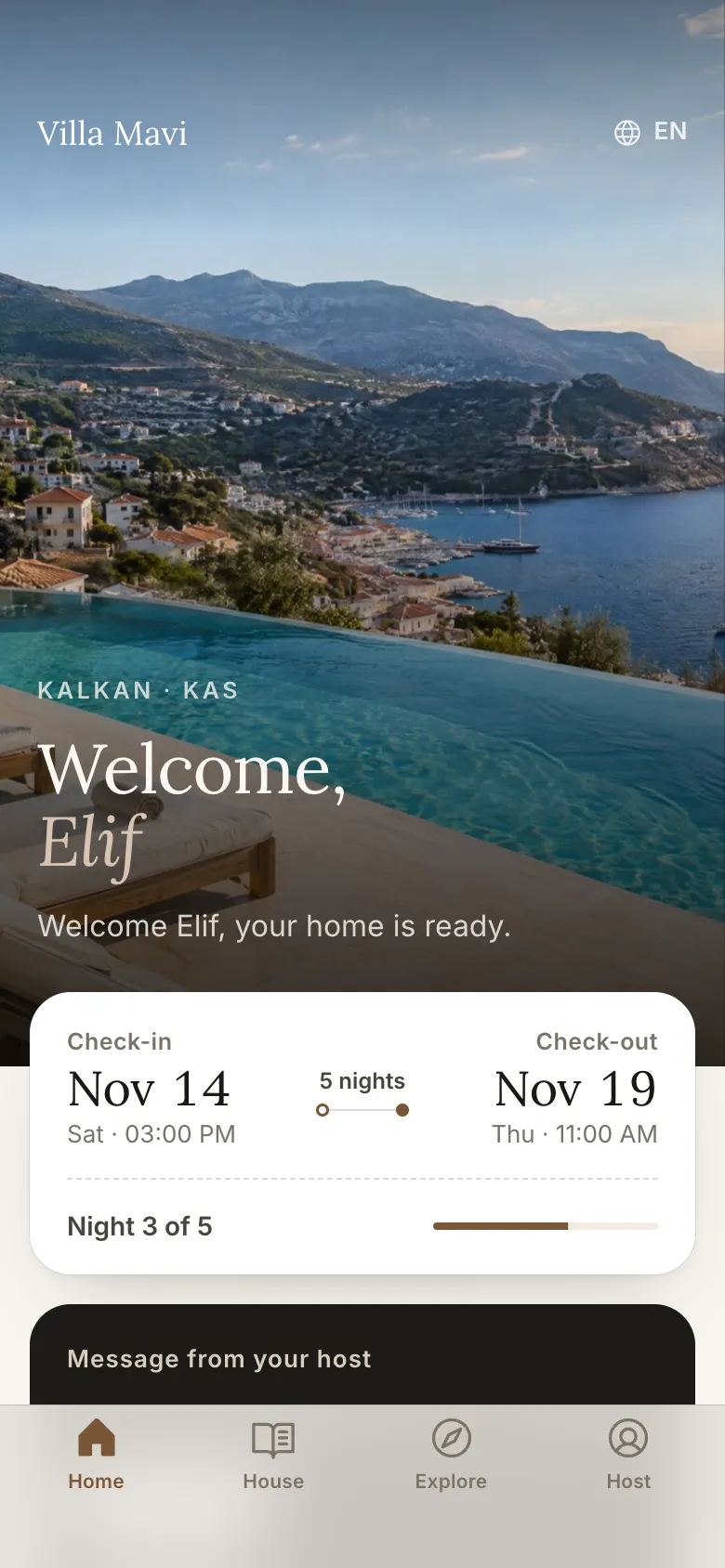
Some of your messages can simply point to the phone page. It shows the arrival guide, directions and a countdown before check-in, and on the last day a check-out checklist and a review request card with the Google and Airbnb links you set.
What messages do the awkward situations need?
The six standard messages assume everything goes to plan. Keep short templates for these cases too.
- Last-minute booking (arrival within 48 hours). Combine steps one to three in one message: "Hi [name], thank you for booking. You arrive soon, so here is everything in one place: address [address], check-in from [16:00], code [code], Wi-Fi on the TV when you arrive. Tell us your arrival time."
- Delayed arrival. "Hi [name], thanks for letting us know. The instructions work at any hour, and we are reachable by phone until [time]. Safe travels."
- Problem during the stay. "Hi [name], sorry about that. We are sending [person] to look at it [today at time]. Please tell us if the time does not suit you."
- Complaint after the stay. "Hi [name], thank you for telling us. We are sorry this fell short. Here is what we will change: [specific action]. We would be glad to host you again."
- Cancellation or date change. "Hi [name], we have received your request and will confirm shortly. If anything else changes, tell us and we will adjust."
How do messages, printed cards, the phone page and the TV divide the work?
Not everything belongs in a message. Use messages for time-sensitive logistics, and put reference material where the guest can find it at any hour. A printed card holds the essentials at the property. The phone page holds the details. The TV holds the welcome, the Wi-Fi and the house information. Link to the phone page in your pre-arrival message so guests open it before they arrive.
| Need | Message | Card | Phone page | TV |
|---|---|---|---|---|
| Arrival logistics | Yes, timed | Door code only | Full steps | Not needed |
| Wi-Fi | Pre-arrival | Yes | Yes | QR on welcome screen |
| House use and rules | Link | Rules summary | Full detail | Rules and info |
| Local tips | Link | No | Full guide | Browsable guide |
| Checkout steps | Evening before | Yes | Yes | Yes |
What are the common mistakes?
Most communication problems come from the same few causes.
- Sending everything at once, so the important line is missed
- Sending different information in the listing, the message and the guide
- Sending at night in the guest's time zone
- Using the same message wording for every guest, so it reads as a form
- Forgetting the mid-stay check and the review request, the two messages guests rarely complain about missing but that help your reputation
- Not saying how quickly you reply, then replying slower than guests expect
- Sending codes too early or in a public place such as the listing description
How do you keep the tone personal at scale?
Templates save time, but guests notice when every message reads the same. Use the guest's first name, mention one detail from their booking (the number of children, the occasion, the arrival time they gave), and sign with a real name. Keep sentences short, avoid exclamation marks in every line, and write the way you would speak at the door.
Before a scheduled message goes out, glance at the booking note. If a guest has told you about a late flight or a birthday, edit the message or skip the template and write one line by hand. That small adjustment is usually what a guest remembers in the review.
Frequently asked
How many messages should I send a guest?
Six is a good baseline: confirmation, pre-arrival, check-in day, mid-stay check, checkout and a review request. Add more only when there is something the guest must act on.
Can Airbnb send messages automatically?
Yes. Airbnb describes scheduled quick replies that send at triggers such as a new reservation, check-in or checkout, in the listing's time zone. You can skip or edit them before they send.
When should I ask for a review?
On Airbnb both sides have 14 days after checkout, and reviews are prompted on checkout day. Asking the day after checkout works well, with a warm thank-you.
Should I message guests in their language?
If you can, yes. A short greeting and key logistics in the guest's language matter more than perfect prose. Have someone fluent check important details.
Sources
- Airbnb Help Center: Scheduled quick replies · retrieved November 16, 2026
- Airbnb Help Center: How do reviews work? · retrieved November 16, 2026
- Airbnb Help Center: Check-in instructions for guests · retrieved November 16, 2026