



Before arrival: countdown and getting here
Check-in steps and a timed door code
What does Airbnb show guests, and when?
On Airbnb, hosts pick a check-in method (smart lock, keypad, lockbox, building staff, in-person greeting or other) and add instructions in the listing editor. Guests can see the method early, but the Help Center says they will not see the detailed instructions until 48 hours before check-in. The guest's help page adds that the instructions can include the exact address, access method, parking details, Wi-Fi password, house rules and host contact information, and that guests find them in the reservation under Trips.
Two practical consequences. First, do not rely on the platform alone for early questions: a guest planning a late arrival three days ahead will ask you directly. Second, the Help Center notes that self check-in may not be available in all countries, so confirm what applies where you operate. Platforms and local rules change, so check your own listing.
Self check-in template (copy and edit)
Replace the bracketed parts. Keep every step to one action.
- Address: [street, number, area]. Open the map link: [link]. The last 200 metres are on a narrow lane; drive slowly.
- Parking: park in [the marked space / under the olive tree]. There is room for [number] cars. Please do not block the neighbour's gate.
- Walk to the [green gate] on the left. The gate code is [code], then press [#].
- The front door has a [keypad / lockbox on the wall to the right]. Code: [code]. Press [button] to unlock. Pull the handle while turning.
- Inside: lights are on the left of the door. Wi-Fi name and password are on the TV and on the card on the kitchen counter.
- If the code does not work: wait 10 seconds and try once more. If it still fails, call or message [name] on [phone]. We answer quickly.
- Please message us 'arrived' once you are in, so we know you are settled.
Host-met arrival template
When you or a colleague meet the guest, the instructions are about timing and the handover rather than codes.
- Arrival window: [time] to [time] on [date]. Tell us your estimated arrival time at least [3 hours] before.
- [Name] will meet you at [the gate / reception / the car park]. We will be wearing [description].
- We will walk through the house in about 15 minutes: heating or cooling, hot water, Wi-Fi, TV, kitchen and rules.
- Please have [ID / passport] ready if local rules require us to register guests. [Remove if not applicable.]
- Late arrival after [time]: we will leave a lockbox instead. Reply here and we will send the code.
- If you are delayed or cannot find us, call [phone]. A short call saves time.
What should you check the day before arrival?
Most check-in problems are not about instructions but about something that changed. A short checklist catches them.
| Check | Why it matters |
|---|---|
| Code changed for this guest | Old codes are the most common reason guests cannot enter |
| Lock battery and keypad work | A dead battery turns self check-in into a phone call at night |
| Gate, lights and path in working order | Arrival is often after dark |
| Parking space is free | Cleaners and previous guests sometimes leave cars |
| Heating or cooling already on | The first impression is the temperature |
| Wi-Fi works and password is current | It is the first thing guests need |
| Guest has the address, time and your phone | Saves the 'where are you' call |
How do you write instructions that survive real arrivals?
Test them: send the text to a friend who has never visited and ask them to follow it on a video call. Wherever they hesitate, add a detail. Photos of the gate, door and lockbox help more than another paragraph.
- Use landmarks, not compass directions (the blue door, not the north entrance)
- Put the code and the button to press in the same line
- Name the fallback right after the step that can fail
- Give both a phone number and a message option; some guests have no roaming data
- Say how long answers usually take, and keep that promise
- Offer the same text in the guest's language
How does Welcomo fit into check-in?
Welcomo does not replace your check-in message; it covers what happens after the guest walks in. The TV greets the guest by name in their language, shows the Wi-Fi QR and house info, and the guest's private phone page (opened by QR code, active from booking to check-out) holds the same details. If the guest asks something you did not cover, the assistant answers from your own information or forwards the question to you.
Bookings reach Welcomo by iCal or API, so the right guest and dates appear without retyping. Keep sending your own pre-arrival message with codes and directions through the booking platform.
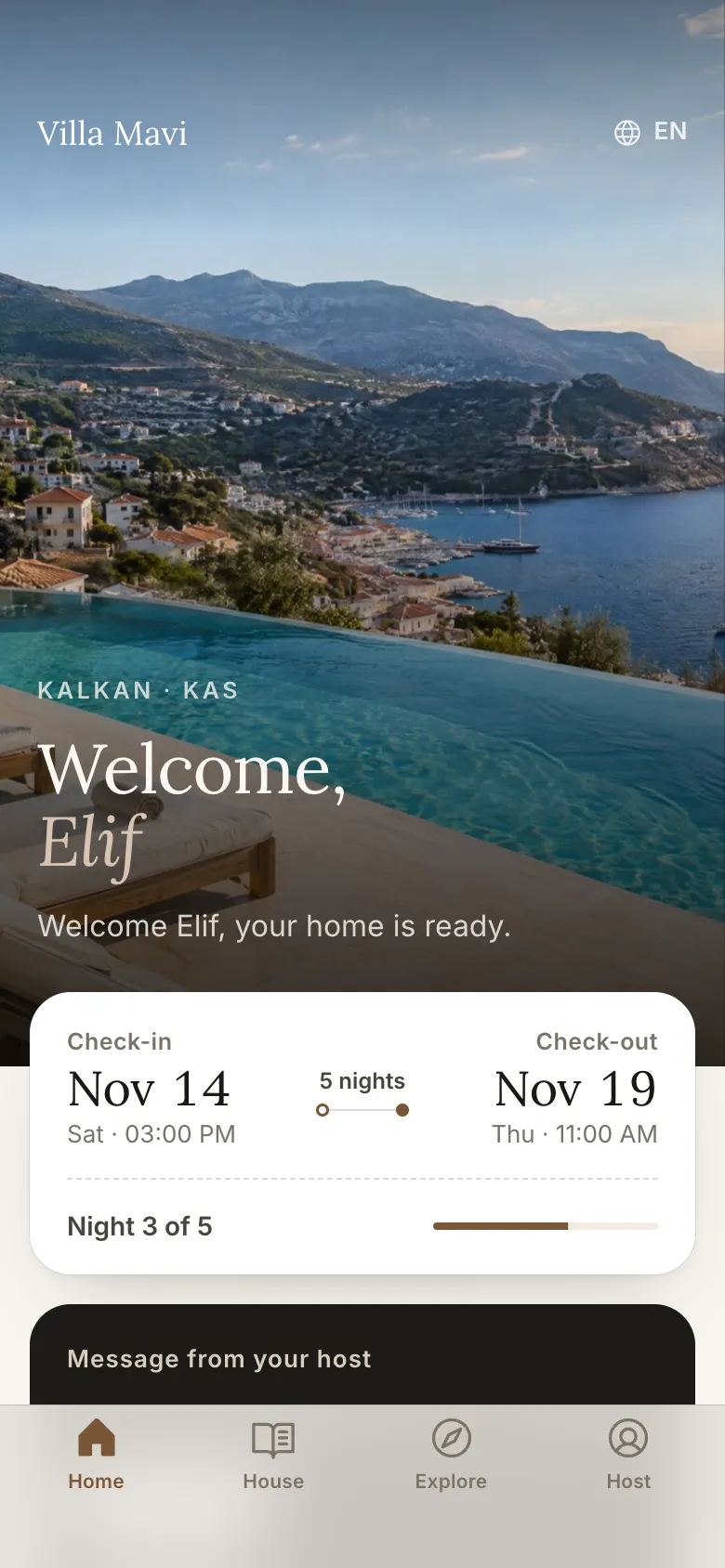
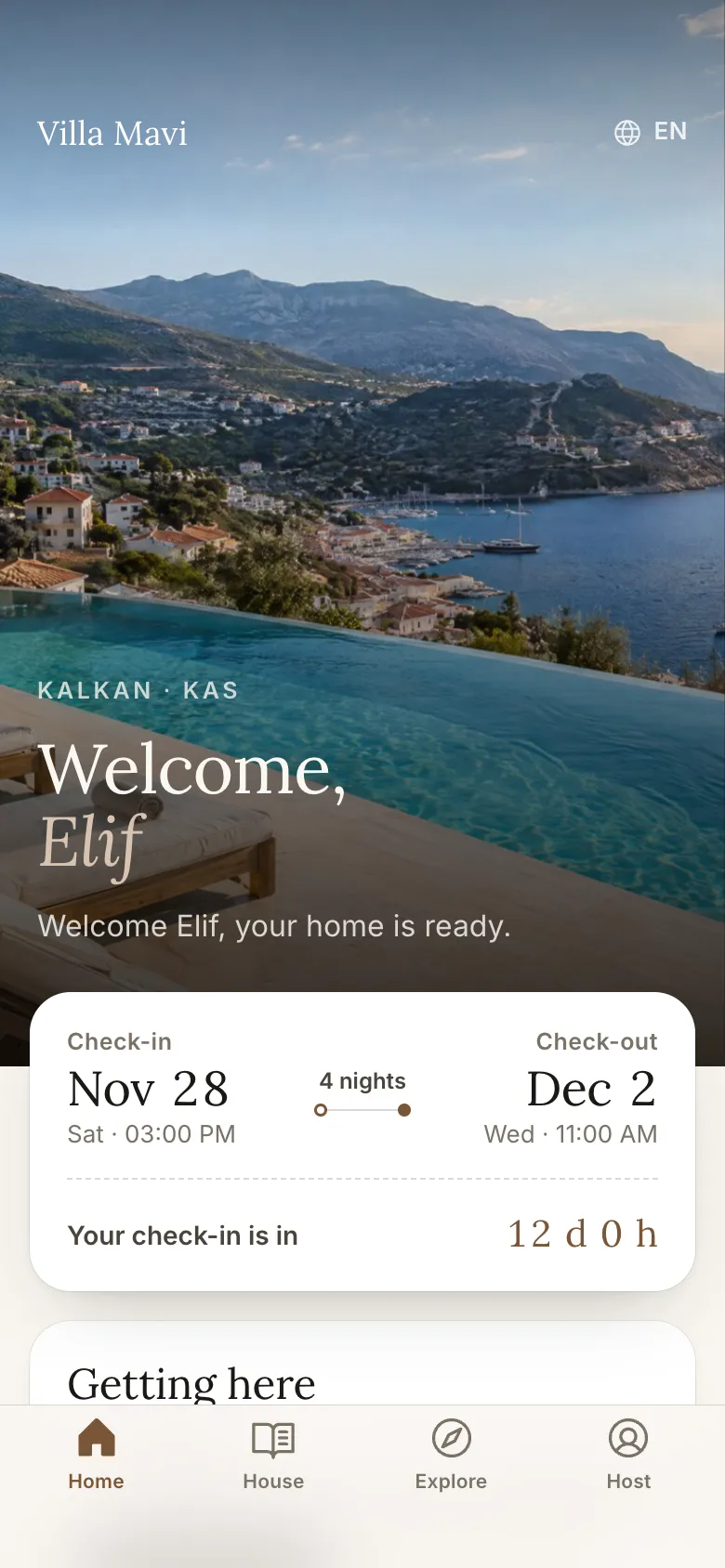
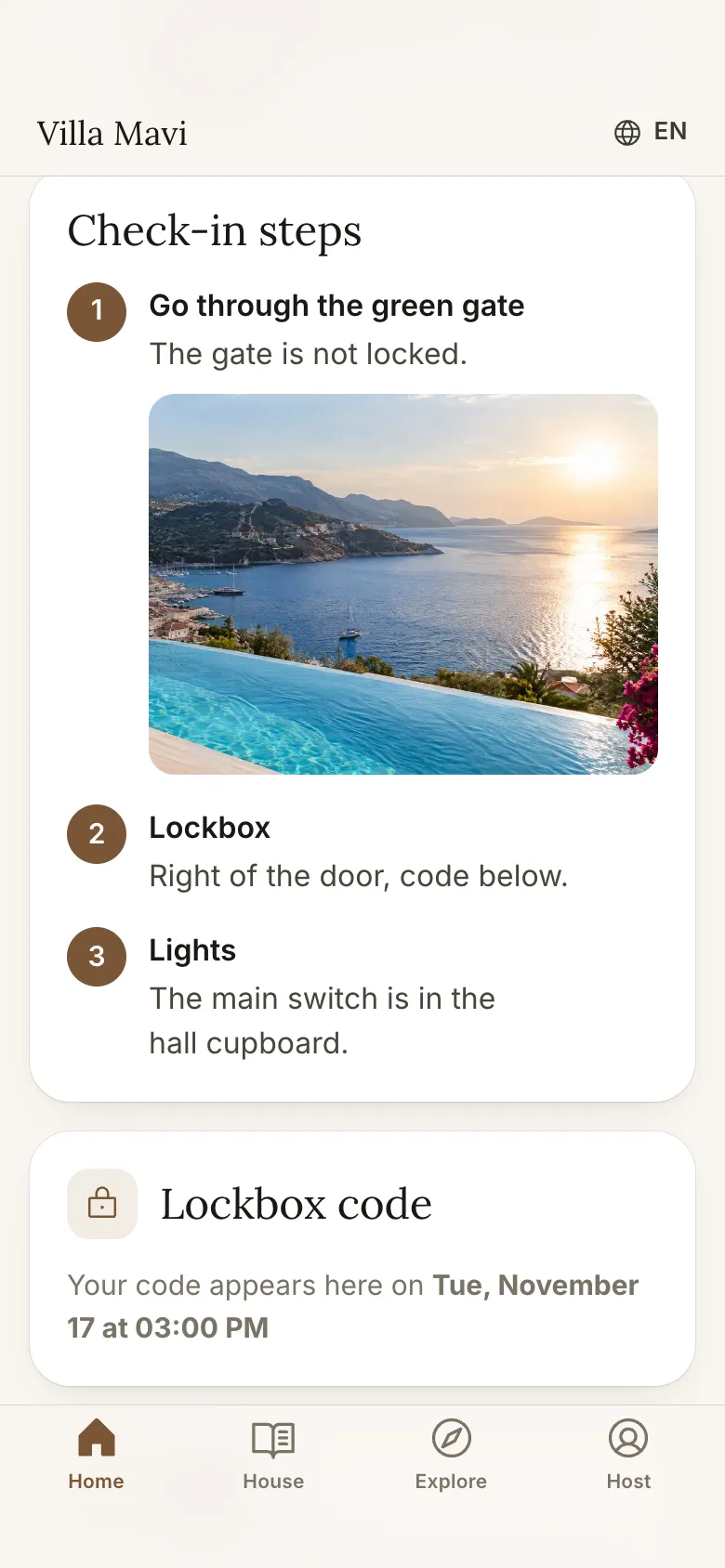
The phone page also covers the arrival itself. Before check-in it shows a countdown and an arrival guide with the address, a directions button (Google Maps or Apple Maps), parking notes and illustrated check-in steps. The door or lockbox code appears only on that guest's phone and only inside the time window you set, for example from check-in time; before that, the page says when it will appear. On the last day a check-out checklist lists the check-out time and lets the guest request a late check-out.
What should you write for late arrivals, lost keys and early check-in?
The standard template covers the normal case. These three situations generate most of the stressful calls, so give each a ready answer.
- Late arrival. "If you expect to arrive after [22:00], please tell us in advance. The instructions above work at any hour, the path is lit, and we are reachable by phone until [midnight]. After that, message us and we will reply first thing."
- Lost key or lockout. "If you are locked out, do not worry. First check [the lockbox / the back door]. If that does not help, call [phone] and we will arrange a spare, usually within [time]. Please do not force the lock."
- Early check-in request. "Check-in is from [16:00]. If the previous guests leave early and the house is ready, we will tell you. You are welcome to leave bags at [the terrace storage] and enjoy [the beach nearby] until then."
- Late checkout request. "Checkout is at [10:00]. If the next stay allows, we can offer a later checkout. Ask us the day before and we will confirm."
How do the instructions look on a printed card, a phone page and the TV?
The same facts work in several places if you adjust the shape. Keep the wording identical so there is only one version to update.
| Format | What to put there |
|---|---|
| Message before arrival | The full numbered steps with codes, for guests to read on the way |
| Printed card at the door | A short version: the code, the fallback phone number and the Wi-Fi, for the moment of standing at the door |
| Phone page | The full steps plus photos, so a guest can reopen them at any time |
| TV welcome screen | The greeting, the Wi-Fi QR code, house info and checkout time, for after the guest is inside |
Welcomo's phone page is a private link you can share right after booking; the Wi-Fi password and door code show at the right time.
What are the common mistakes?
These are the failures that cause most check-in calls.
- Reusing the same code for every guest or forgetting to change it
- Describing the route by compass direction rather than by landmarks
- Sending the instructions only once, so the guest cannot find them on arrival
- No fallback when the lock, gate or app fails
- No photos of the gate, door and lockbox, which guests identify faster than text
- Assuming guests have mobile data, which international guests often do not
- Not mentioning check-in time limits or the cost of very late arrivals, so expectations differ
- Instructions in only one language
Frequently asked
When does Airbnb show detailed check-in instructions to guests?
According to the Airbnb Help Center, guests can see the check-in method early but not the detailed instructions until 48 hours before check-in. Check the current text in your own account.
Should I put the door code in the listing description?
No. Keep codes in the check-in instructions field or in a private message sent close to arrival, and change them for every stay.
What if the guest cannot get in?
Give a fallback in the instructions: retry steps, a backup key or second lockbox if you have one, and a phone number that you answer during arrival hours.
Do I need different instructions for late arrivals?
Yes. State the latest time you can meet guests, and offer a self check-in alternative or a lockbox for later arrivals.
Sources
- Airbnb Help Center: How do I add check-in instructions to my listing? · retrieved November 16, 2026
- Airbnb Help Center: When and how do guests get check-in instructions? · retrieved November 16, 2026