What was the Wi-Fi password?
Messages arrive at midnight too. The answer usually sits on a card or in a file nobody opens.
 Holiday villasWelcome, rules and guide in place, even when the host is away.
 Boutique hotelsA branded reception in every room.
 Serviced apartmentsA calm, current guide for longer stays.
 Guesthouses and glampingA big welcome for a small property.
CH 01 · WELCOME
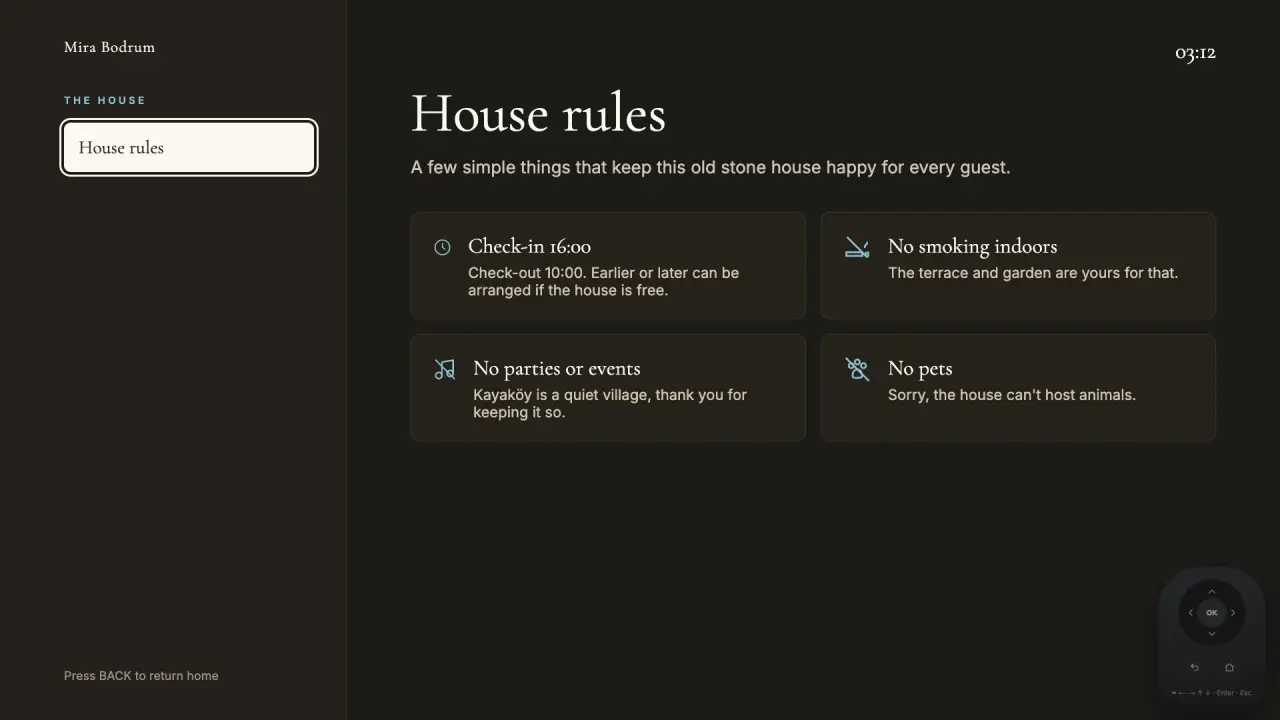
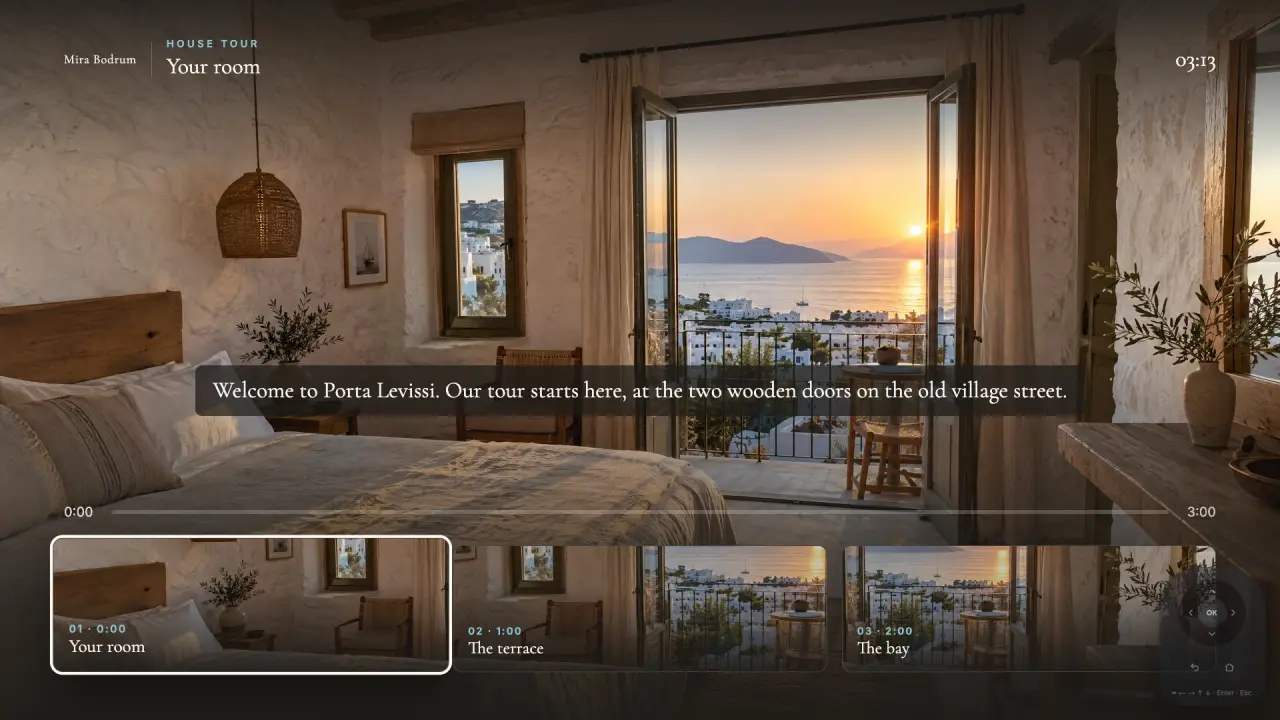
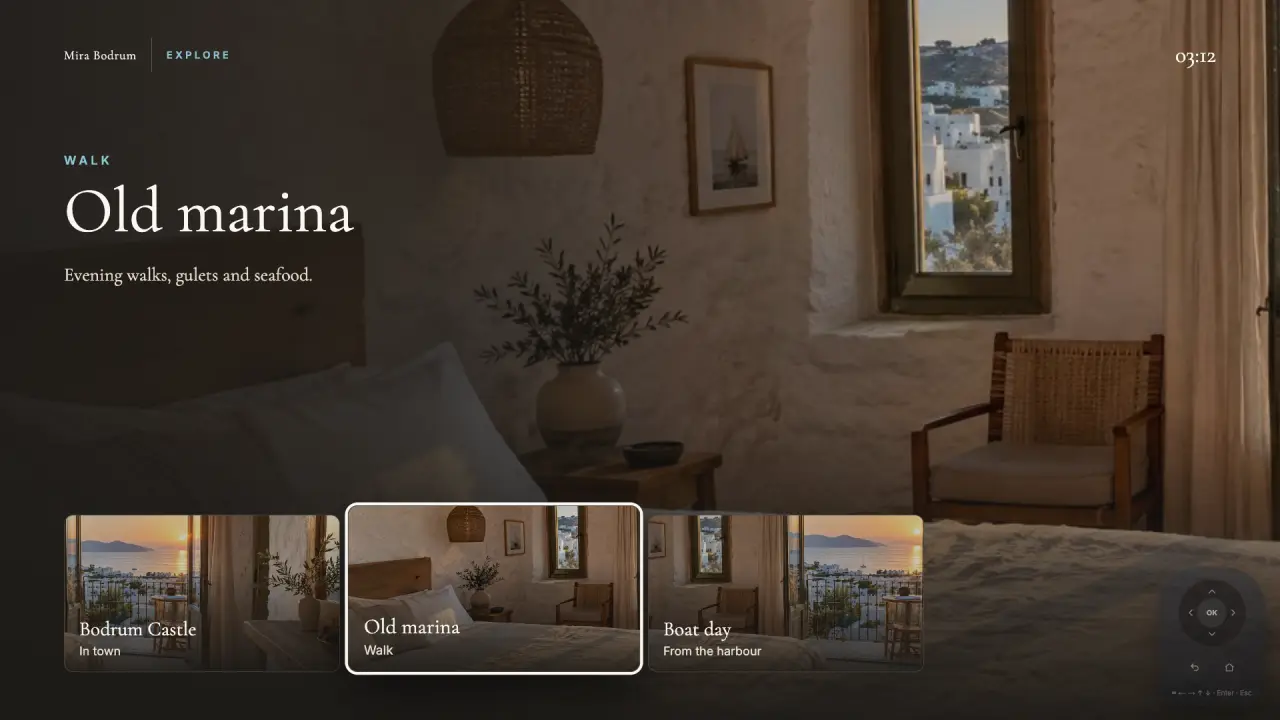
Welcomo turns the TV in the room into your property's welcome screen. It greets guests by name in their own language, shows them around and answers their questions. Netflix is still one press away.
See it with your own brand →First installation in Kayaköy, Turkey: Porta Levissi, a historic stone villa with two TVs.
This is the real app. Use the remote.
The sample properties are fictional, each one the same app in a different brand. Porta Levissi is a real installation.
CH 02 · WHY
Messages arrive at midnight too. The answer usually sits on a card or in a file nobody opens.
The info card is in one language and gets read once, if at all. The guest is looking at the screen.
The biggest screen in the room could be telling your story from the moment guests walk in.
CH 03 · THE GUEST
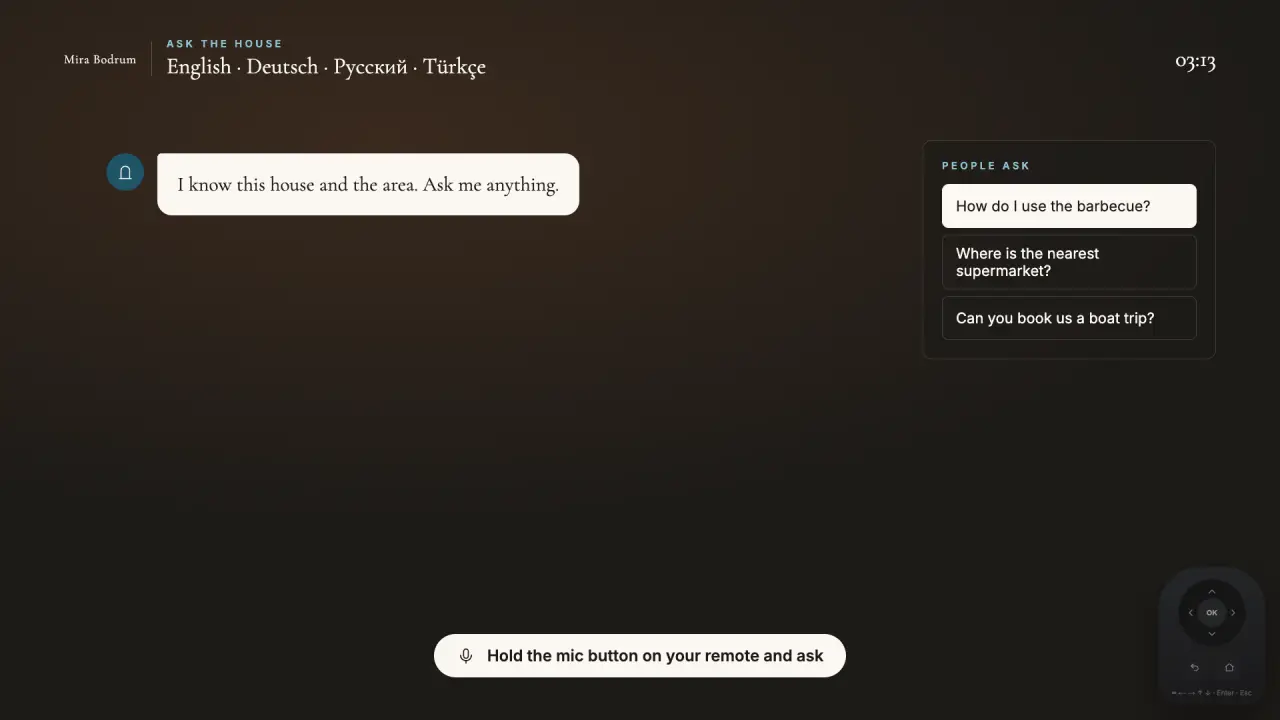
Every screen below is captured from the app itself. Example: a fictional boutique hotel in Bodrum, guest Sophie.
CH 04 · PHONE
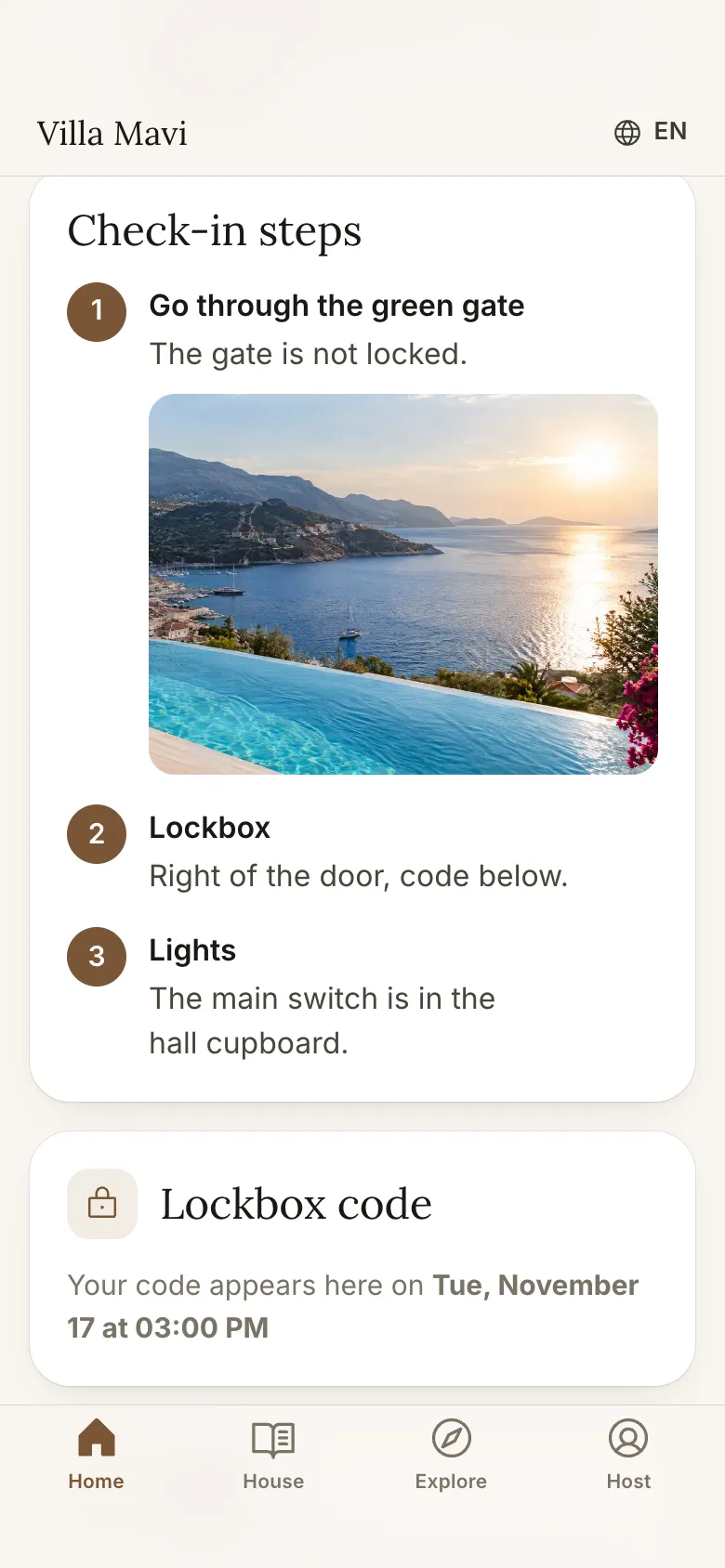
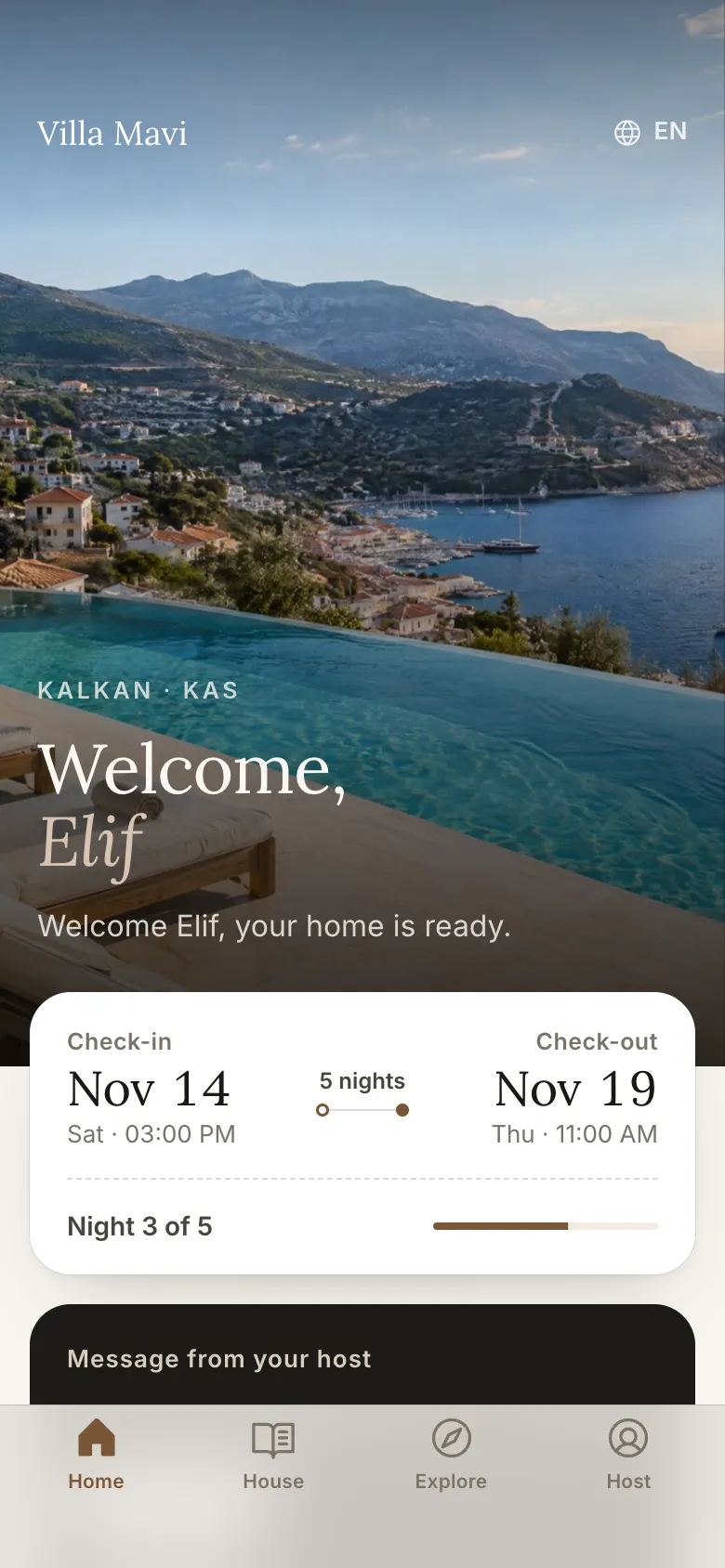
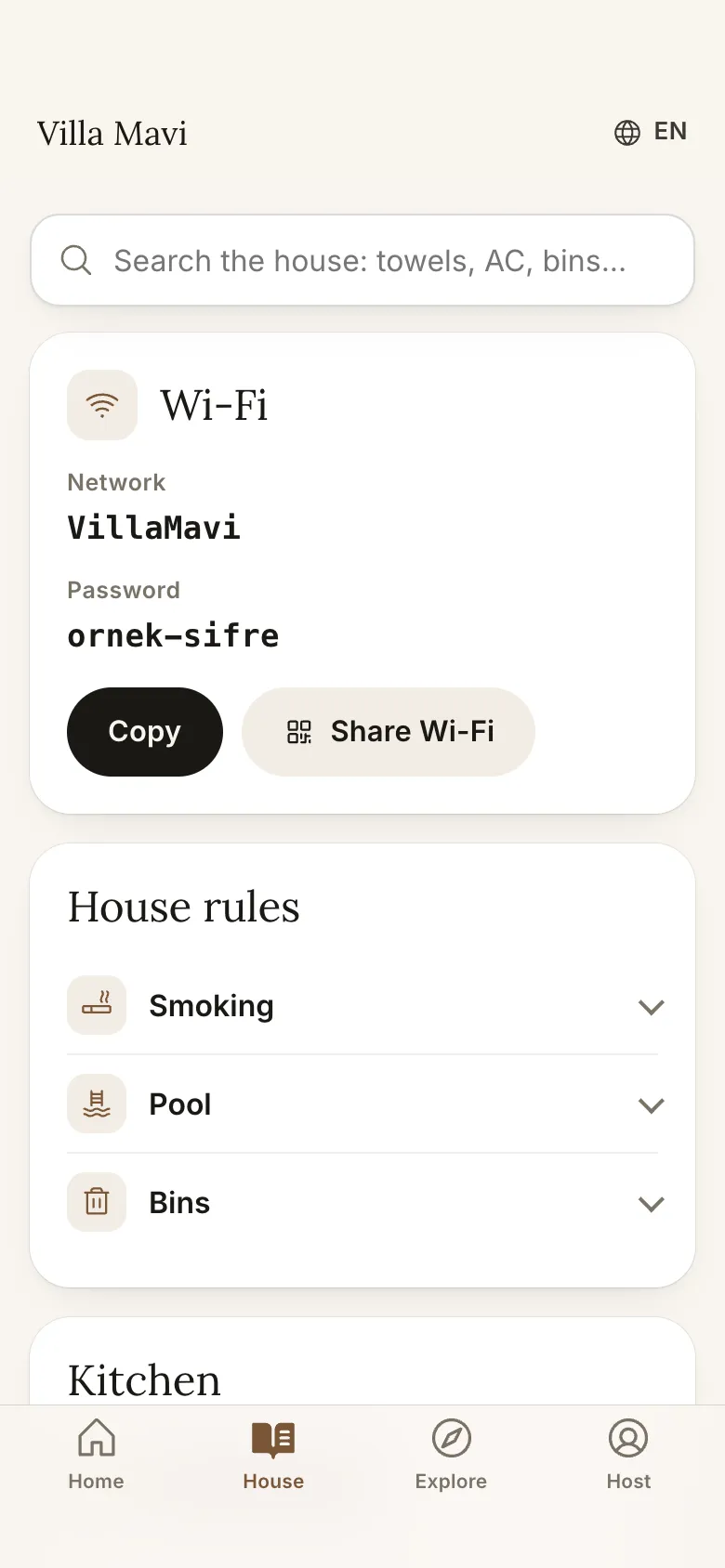
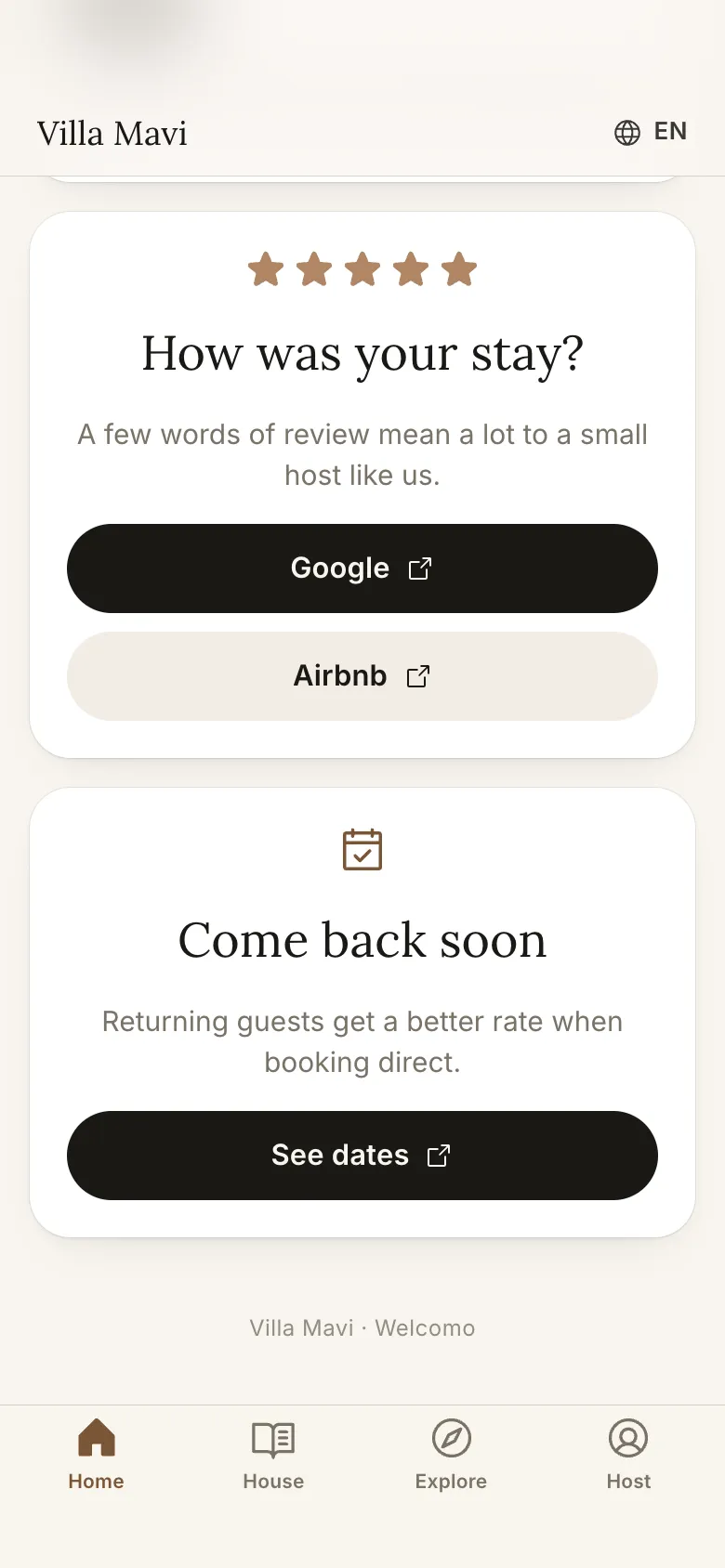
The QR code on the TV opens the guest's own page. No app to install, it runs in the browser: an arrival guide before the trip, the house guide and concierge during the stay, a check-out list on the last day.
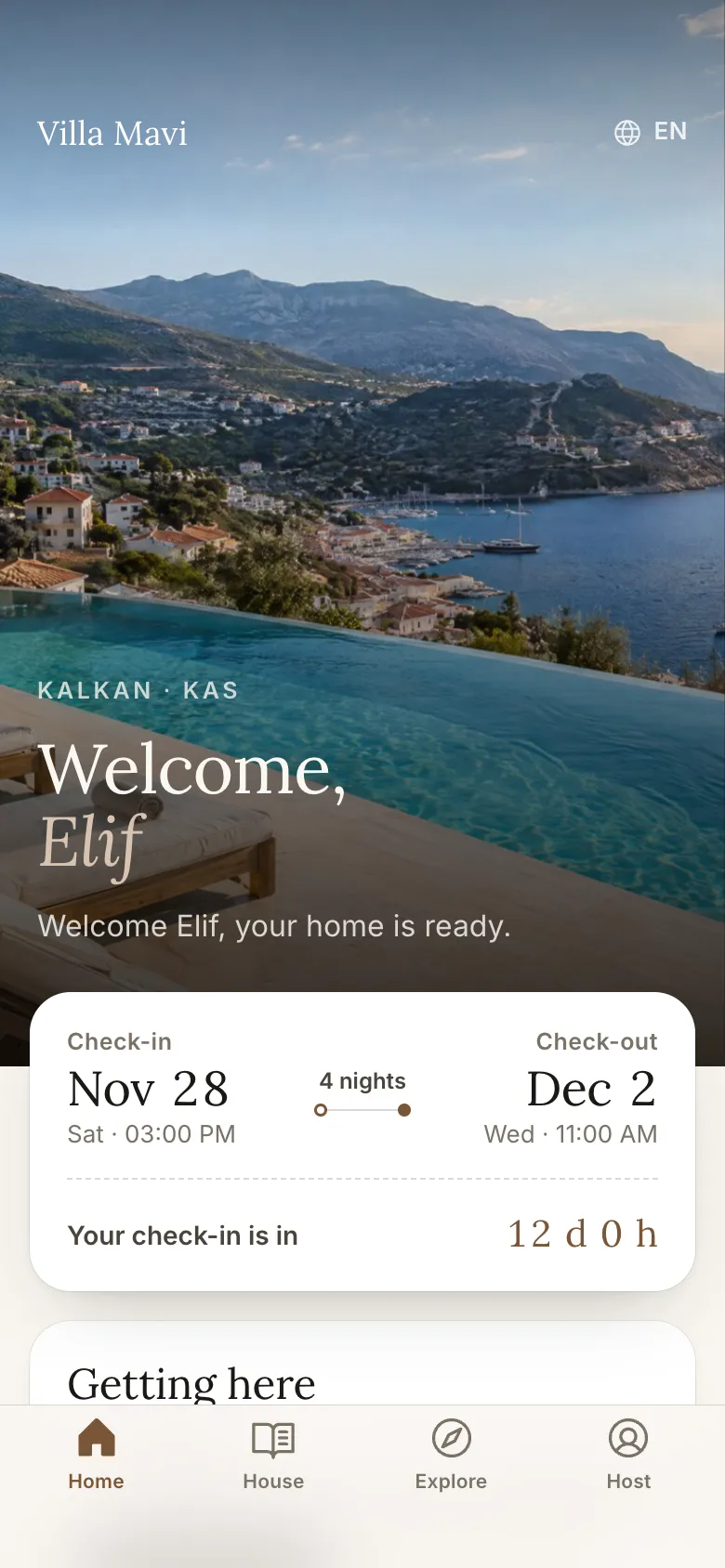
Example property: Villa Mavi (fictional). Screenshots from the real app.
CH 05 · CONCIERGE
The concierge works from the information you give it: house rules, appliances, local tips. It doesn't make things up; what it doesn't know, it hands to you.
What time do we have to leave on Saturday?
Check-out is at 10:00. If you'd like to stay longer I can ask your host; it depends on the next guests.
Yes please. And how far is Ölüdeniz?
I've messaged your host about a late check-out. Ölüdeniz beach is about 8 km by car.
CH 06 · PANEL
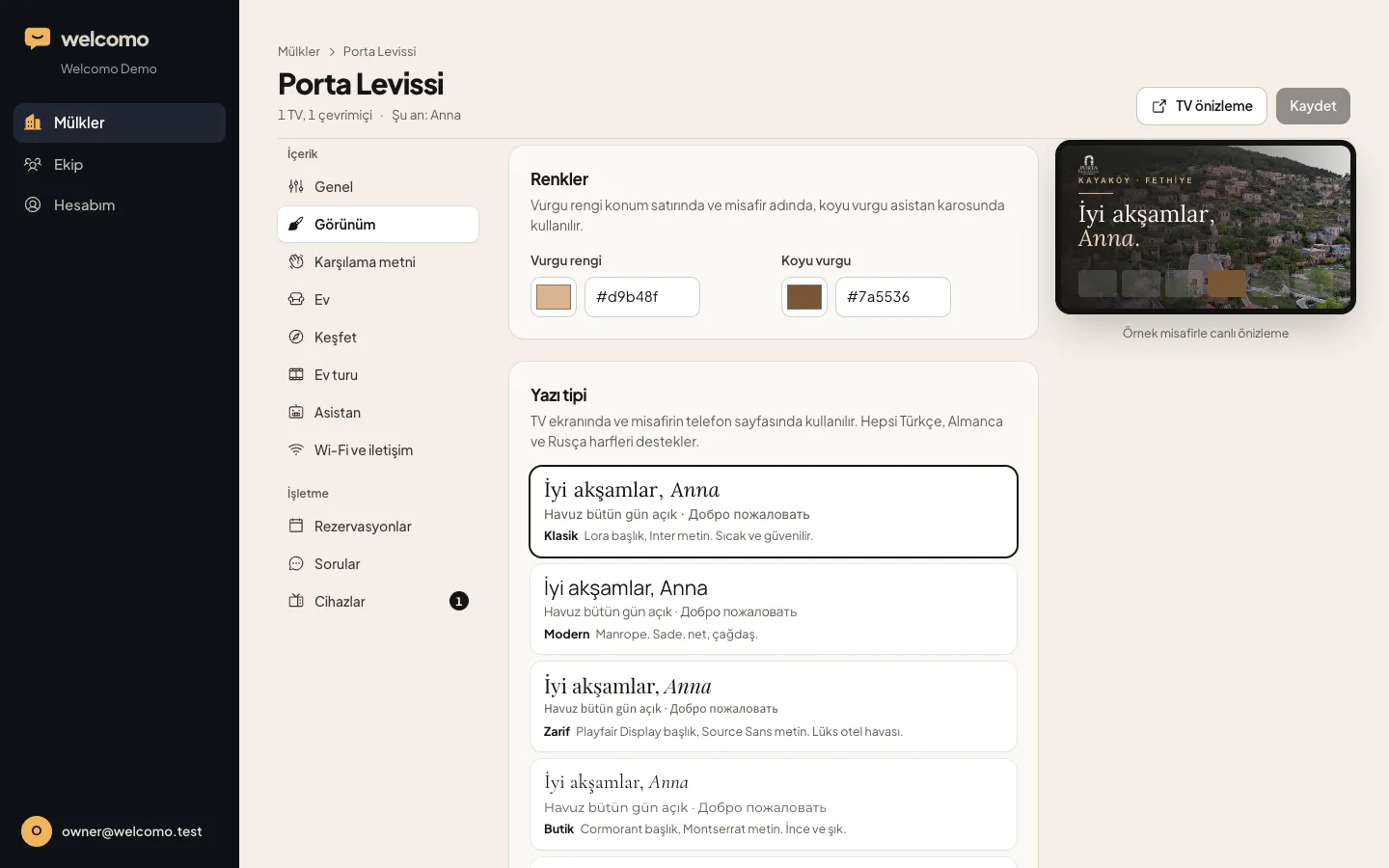
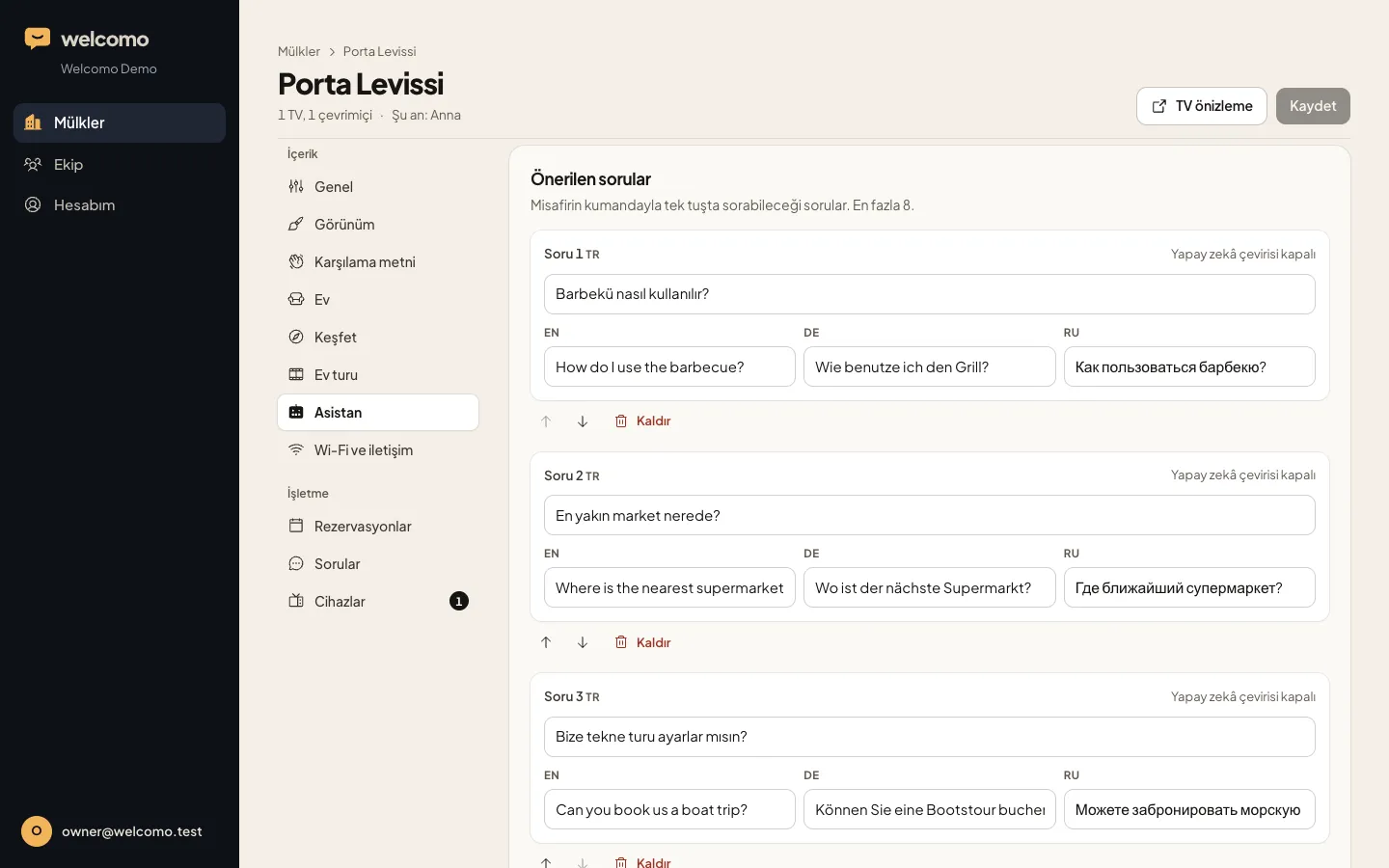
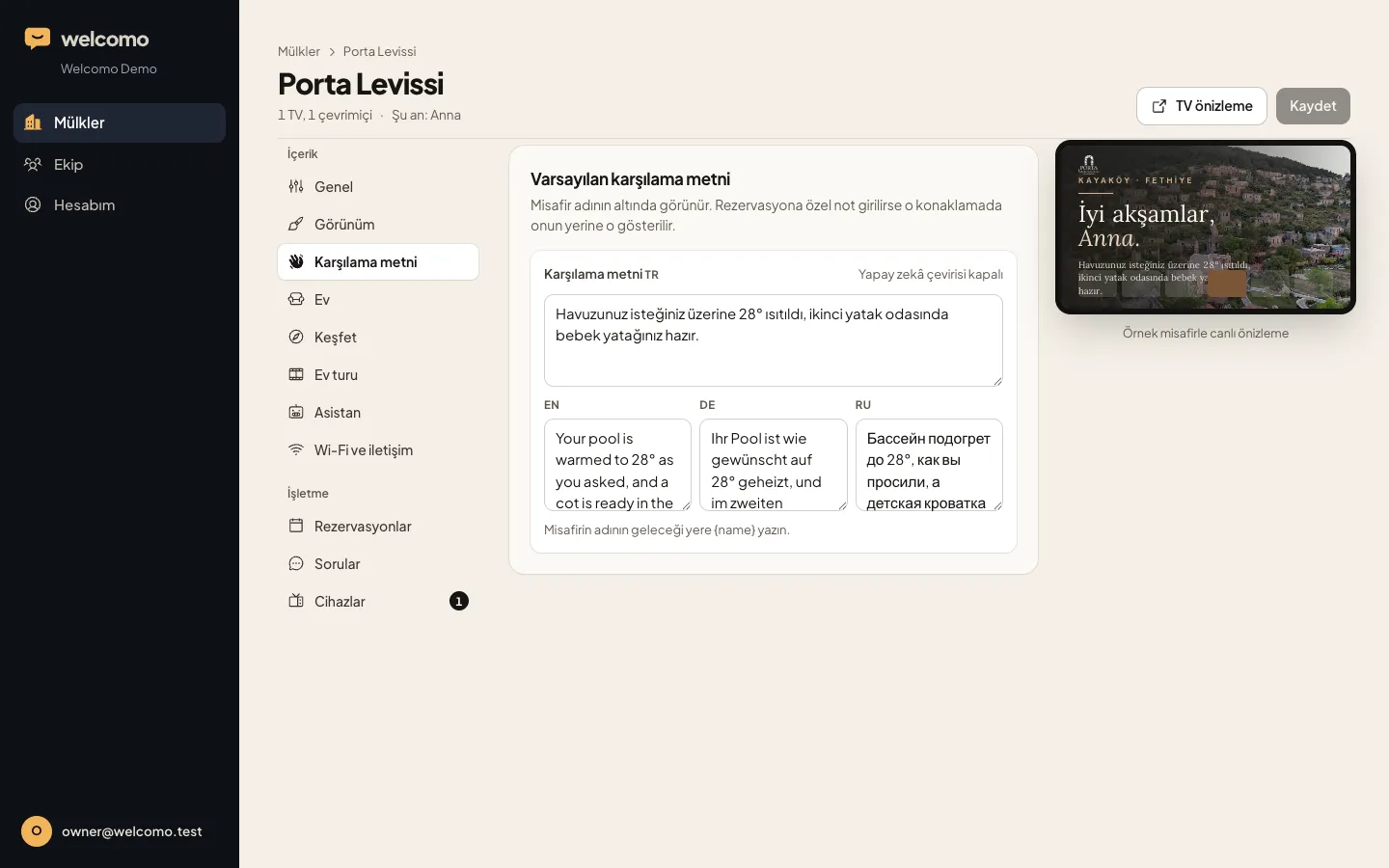
Write once in your language and AI drafts the others for you to review. Changes reach the TV within seconds.
CH 07 · THE TV
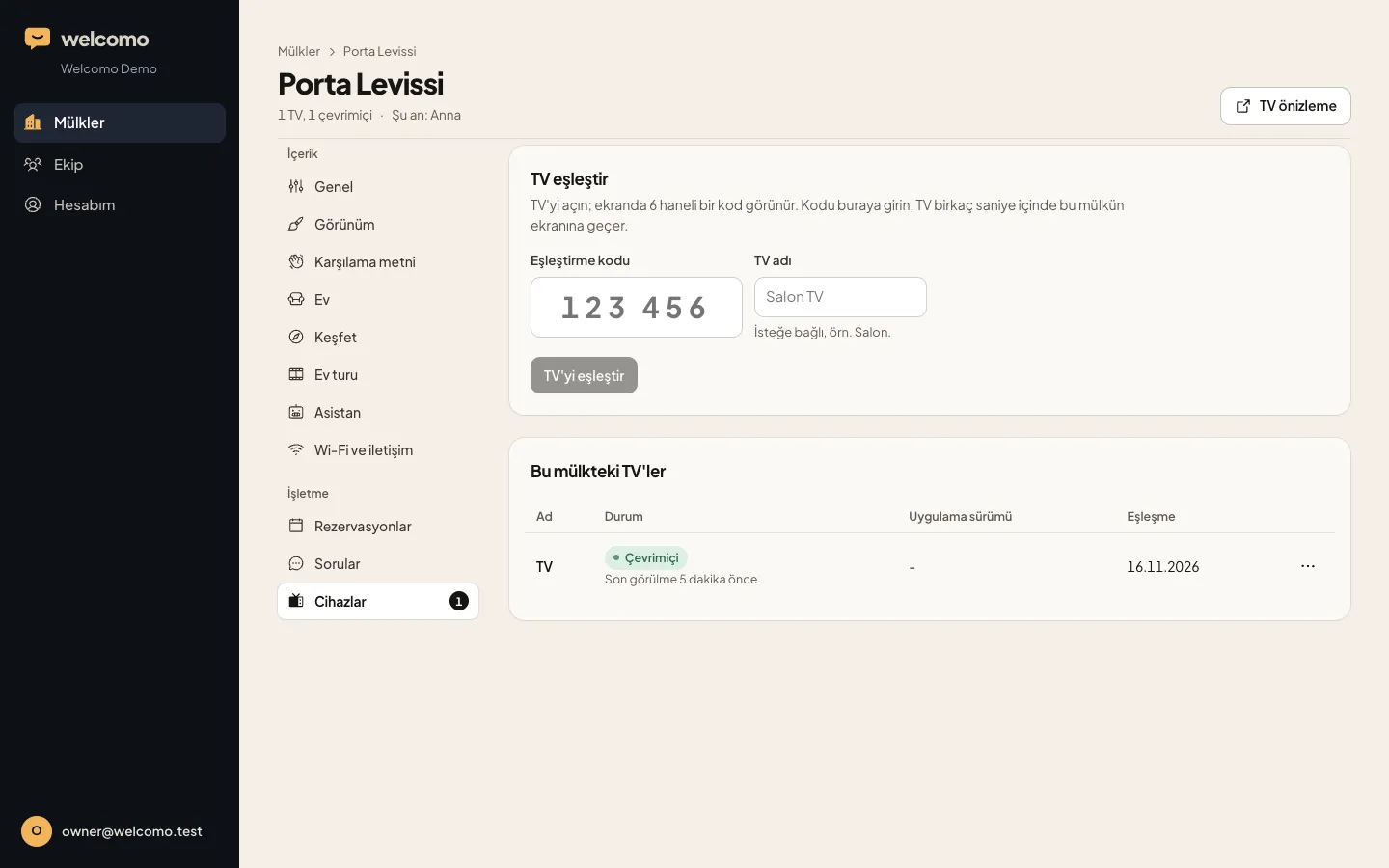
The goal is always the same: the first screen when the TV turns on is yours. On Google TV and Android TV, Welcomo installs from Google Play. Other TVs get a Google TV stick you buy locally; with HDMI-CEC on and the TV set to open on the last used input, the TV opens straight into Welcomo.
Like the Google TV models from Sony, TCL, Xiaomi and Philips. Welcomo installs on the TV from Google Play. Coming soon on Google Play; write to us for setup.
With a Google TV stick on HDMI, Welcomo opens by itself when the TV turns on. Our own Welcomo app can also run on these TVs after store approval, but the guest has to open it with the remote.
For any TV with an HDMI input. You buy the stick locally (about 20-100 USD) and install Welcomo from Google Play. In and around Fethiye we can set it up on site; write to us.
Tell us the model and we'll confirm whether you need a device at all.
Logo, photos, rules, tips. Share your website and the concierge learns from it too.
Name, language and requests come from the booking. The screen opens for them and resets at check-out.
CH 08 · USE CASES
WELCOMO BUSINESS
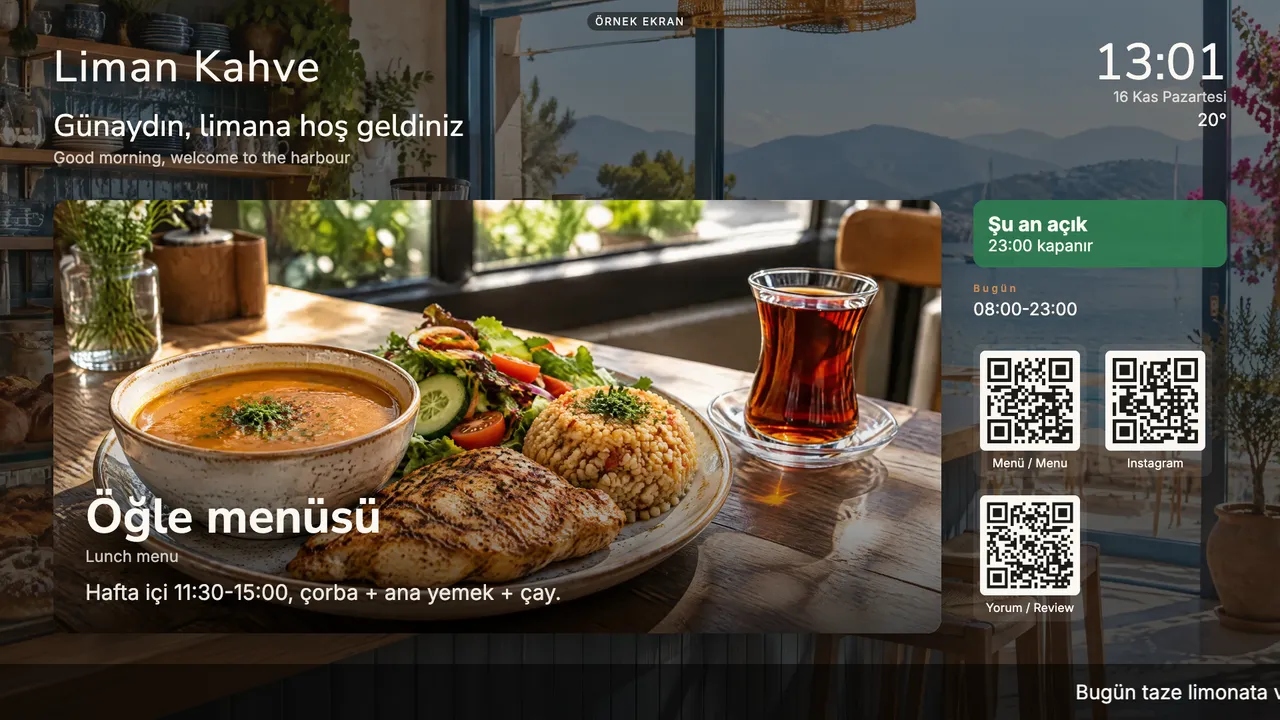
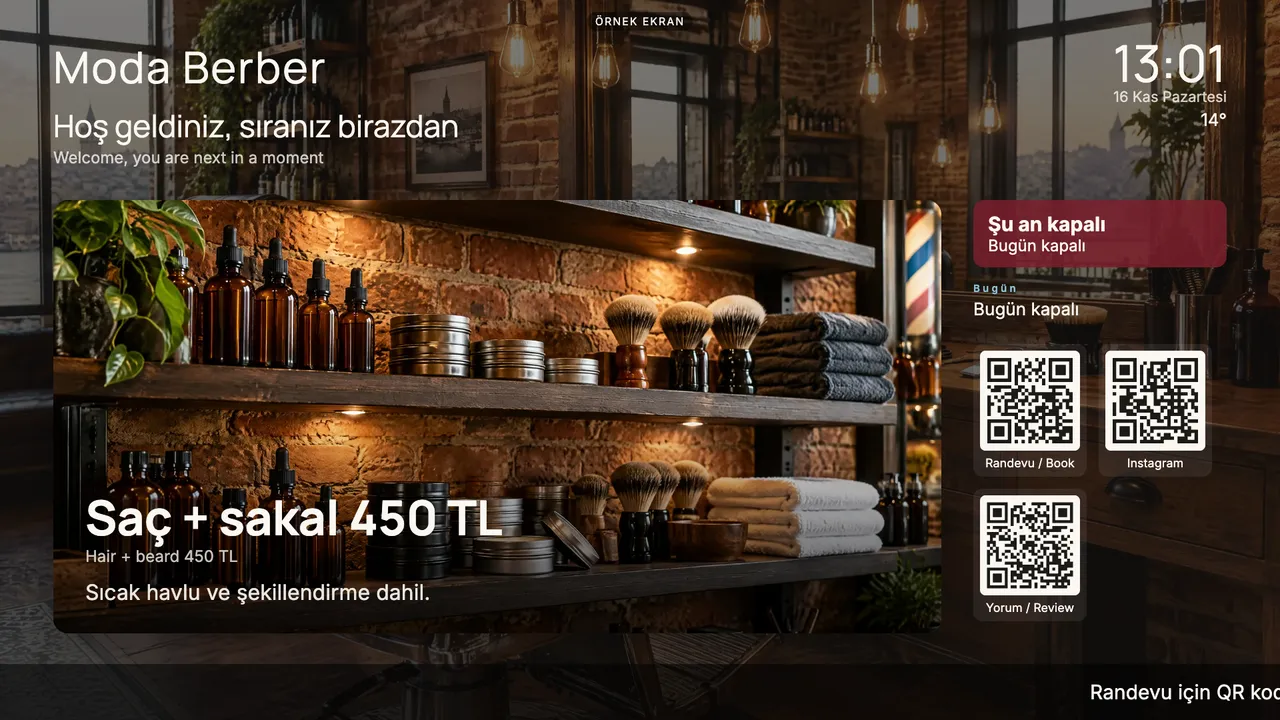
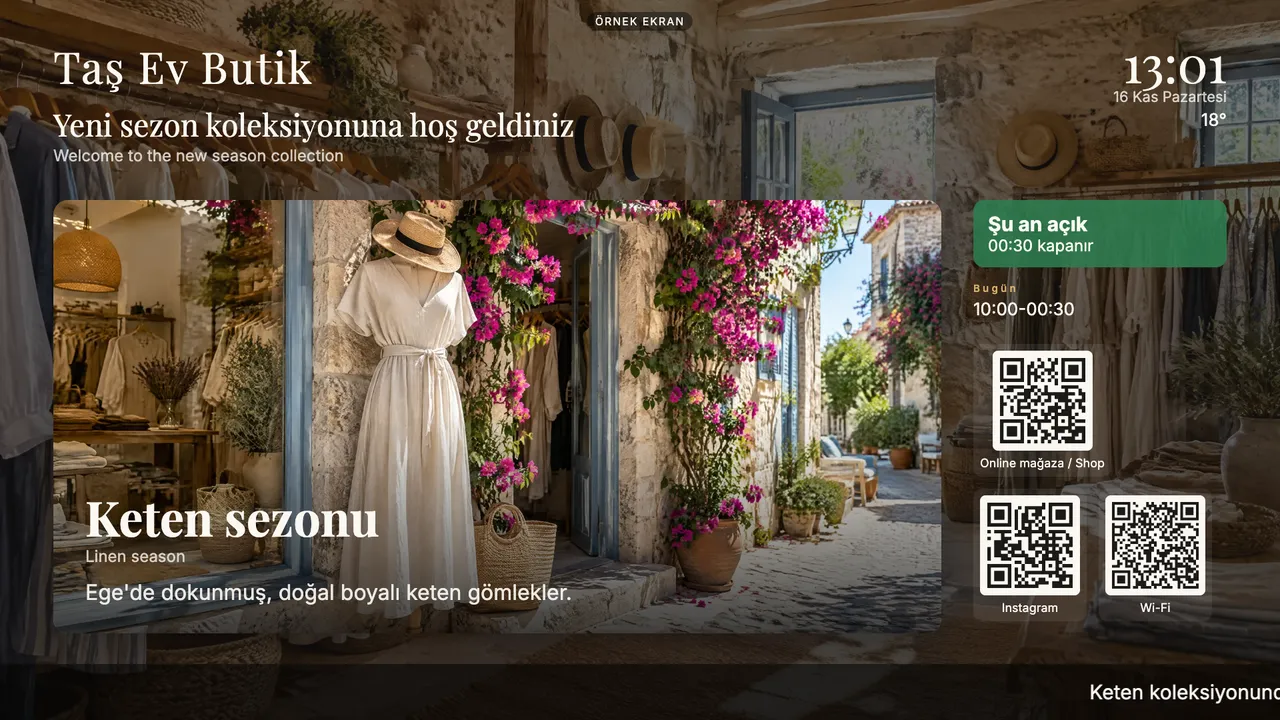
The same screen engine runs on your business TV: breakfast in the morning, the lunch menu at noon, an evening offer later, all by itself. Opening hours, menu and Instagram QR codes, several screens and branches from one panel.
FAQ
On Google TV and Android TV, Welcomo installs from Google Play, no device needed. Every other TV, LG and Samsung included, gets a Google TV stick you buy locally on HDMI, and Welcomo goes on the stick. Welcomo sells no hardware. See the setup guide, and check your model on the compatibility page.
Yes. Netflix, YouTube, Prime Video and other apps open from the Welcomo screen in one step, with the guest's own account.
English, Turkish, German and Russian. The language is picked from the booking. Text you write in one language is drafted into the others by AI in the panel.
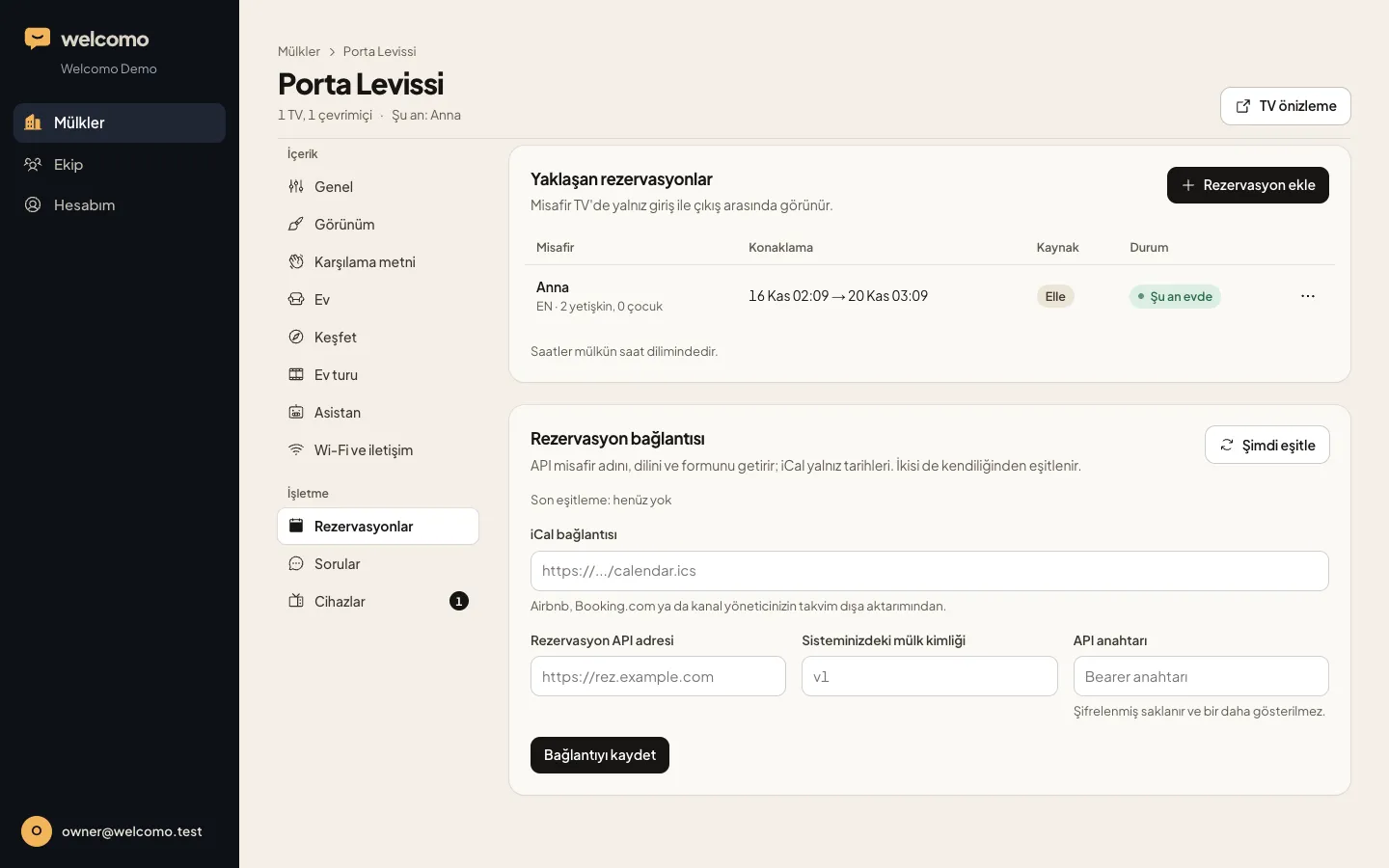
It reads dates from any system with an iCal link. For guest name, language and form answers we connect through an API.
Instead of a trial we open a 7-day demo account for you. Set up your own property in the panel and see the screen in your browser or on your own TV.
The screen only shows the current guest's details. Each property's data is kept separate, in line with GDPR and KVKK.
We'll open a 7-day demo account so you can see your own property on screen.