



EXTRAS
Guests ask,you confirm
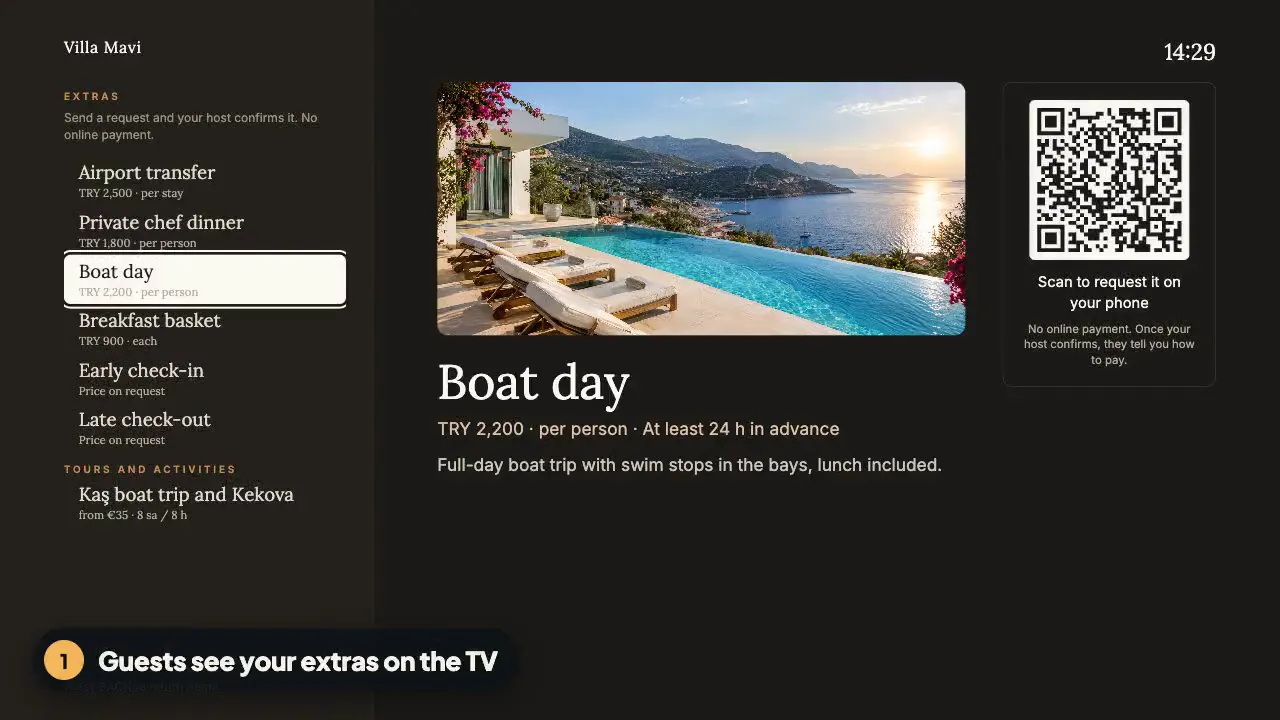
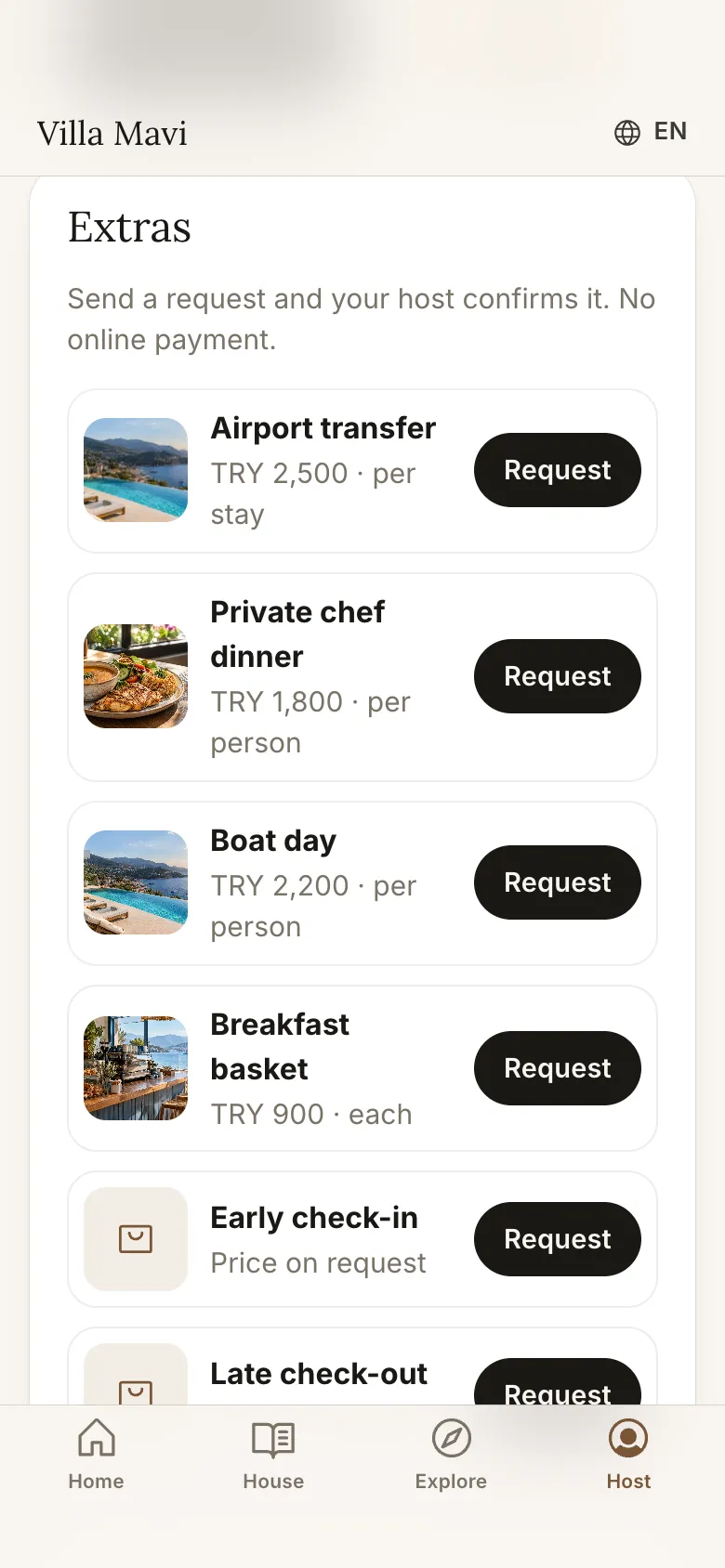
Transfers, a private chef, boat days, late check-out: guests request them from the TV or their phone in one tap.
HOW IT WORKS
How does it work?
- 1
The guest asks
They scan the code on the TV or pick a service on their phone page.
- 2
You confirm
The request lands in your panel. Confirm or decline in one click.
- 3
You get paid
On site, by bank transfer or with your own payment link.
SCREENS
What does the guest see?
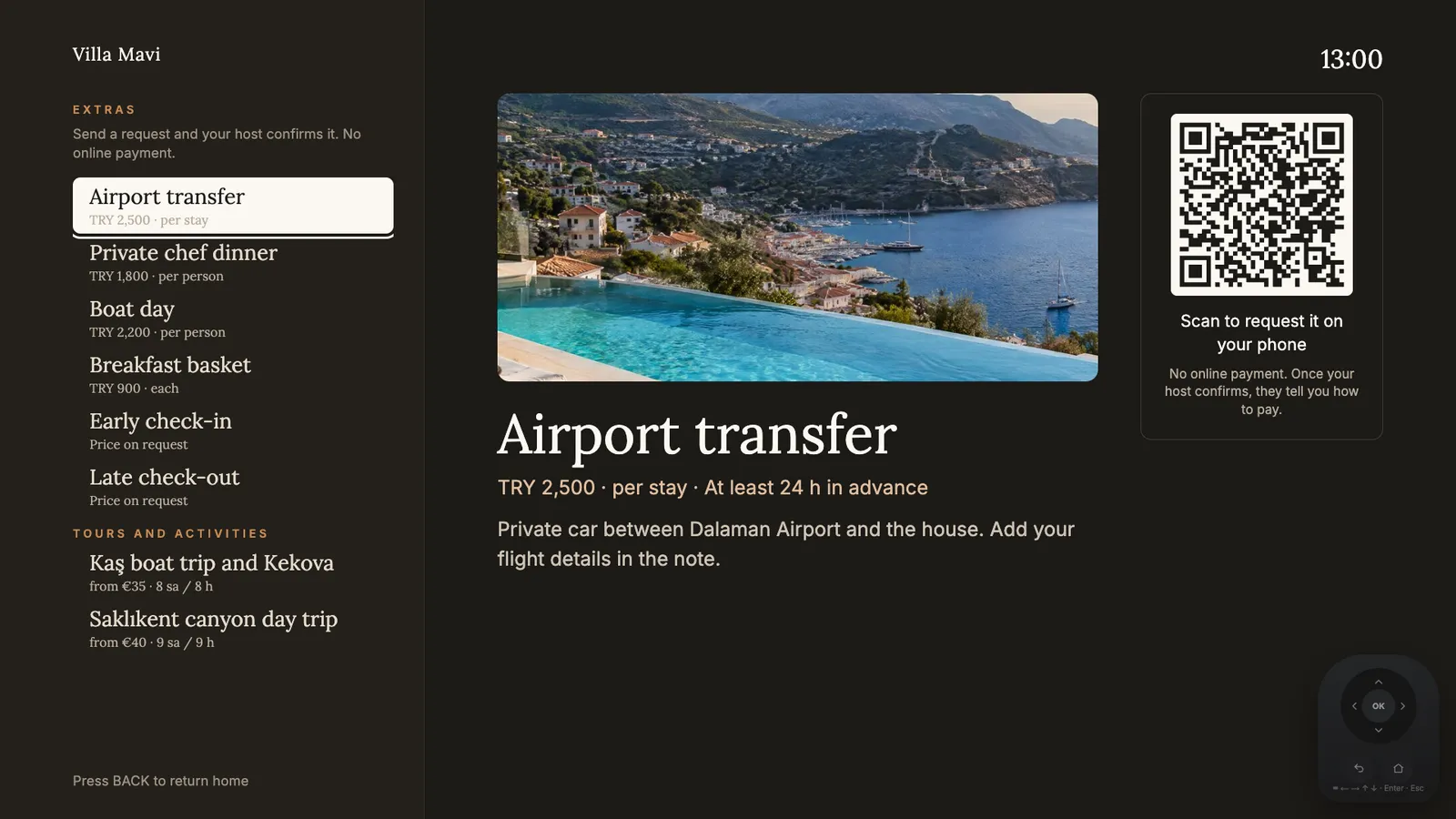
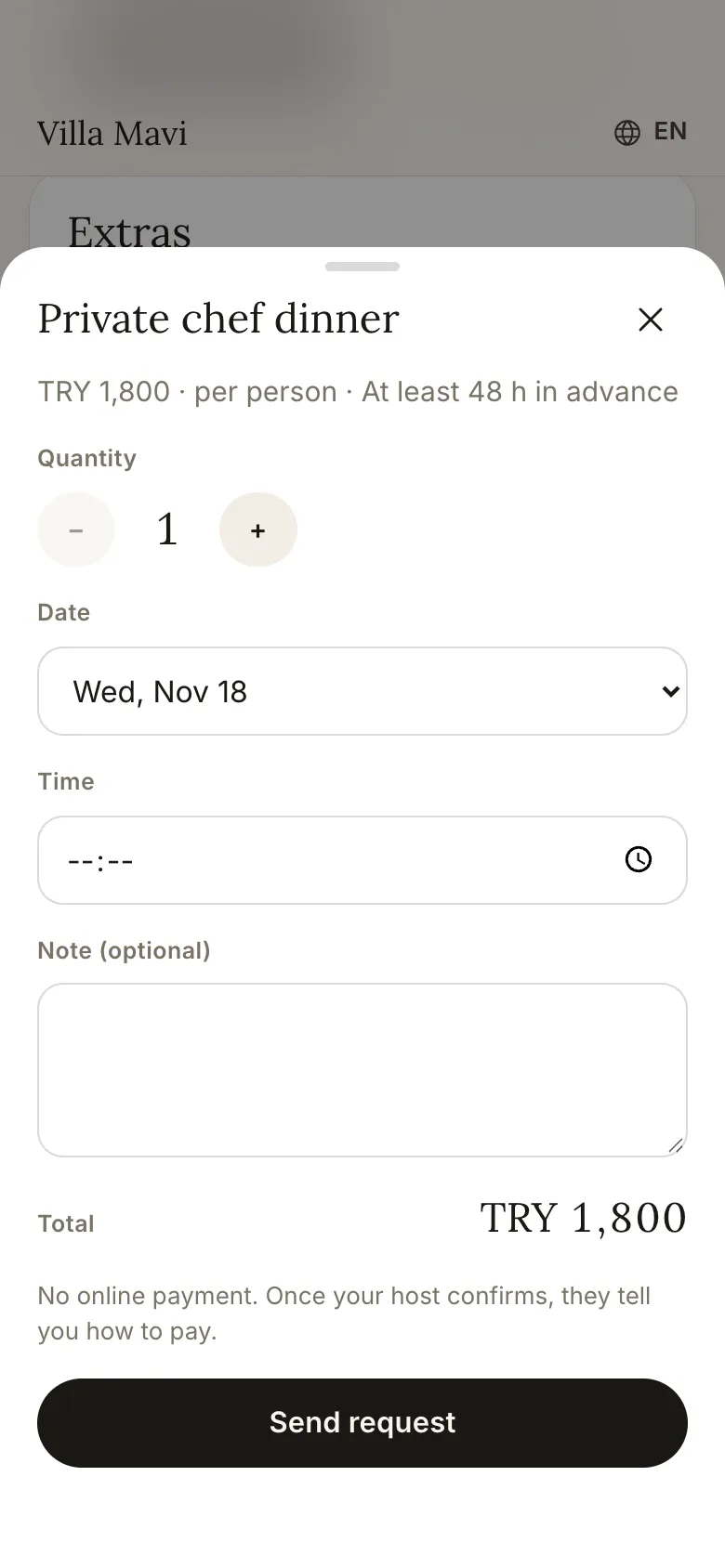
The TV shows your services, the request goes from the phone.
EXAMPLES
What can you offer?
Start from a ready template or add your own service.

Airport transfer
Flight details come with the request note.

Private chef
Dinner at the villa, priced per person.

Boat day
Requested with a date and number of people.

Breakfast basket
At the door in the morning, by quantity.
Early check-in, late check-out
Set a price or say "price on request".

Extra cleaning
Mid-stay, on the day the guest picks.
BBQ set
Ready for an evening in the garden.

Celebration set
For a birthday or an anniversary.
You set the price, the date and time rules, the quantity and how much notice you need.
TOURS
Tours on your partner ID
GetYourGuide and Viator tours are listed with your own partner ID, so any affiliate commission goes to you.
WHAT YOU GAIN
What's in it for you?
You set the prices
Your service, your price.
No commission
Welcomo takes no payment and no cut of your extras.
Less back and forth
Guests ask in one tap instead of messaging you.
Every guest in their language
Guests write their note in their own language, and your reply is translated into it automatically.
FAQ
Common questions
Does Welcomo take a commission on extras?
No. You take payment directly. Welcomo takes no payment and no cut.
How does the guest pay?
The way you choose: on site, by bank transfer or with your own payment link. The app takes no online payment.
Which services can I add?
There are ready templates for transfers, a chef, boat days, breakfast, cleaning, early check-in, late check-out, a BBQ set and a celebration set. You can add your own too.
What happens if I decline a request?
The guest sees the new status. Your message is translated into their language.
See extras on your own screen
Add your first service in a 7-day demo account.