



INTEGRATIONS
A booking arrives,the screen greets
Connect your reservation system: the guest's name, language and dates arrive by themselves.
SYSTEMS
Which systems?
Direct connections to five systems are ready. You create the key in the system's own settings.
Beds24
Instant once you add the webhook addressWhat you needInvite code (with the bookings, bookings-personal and properties scopes)
How to connect
- In Beds24, create what it needs under Settings > Apps & Integrations > API.
- In the Welcomo panel open Integrations, enter it and save.
- Map your listings to your properties. Bookings arrive in the panel.
Add the webhook address shown in the panel to your system and changes arrive instantly. Without it, sync runs every 6 hours. All three scopes must be selected.
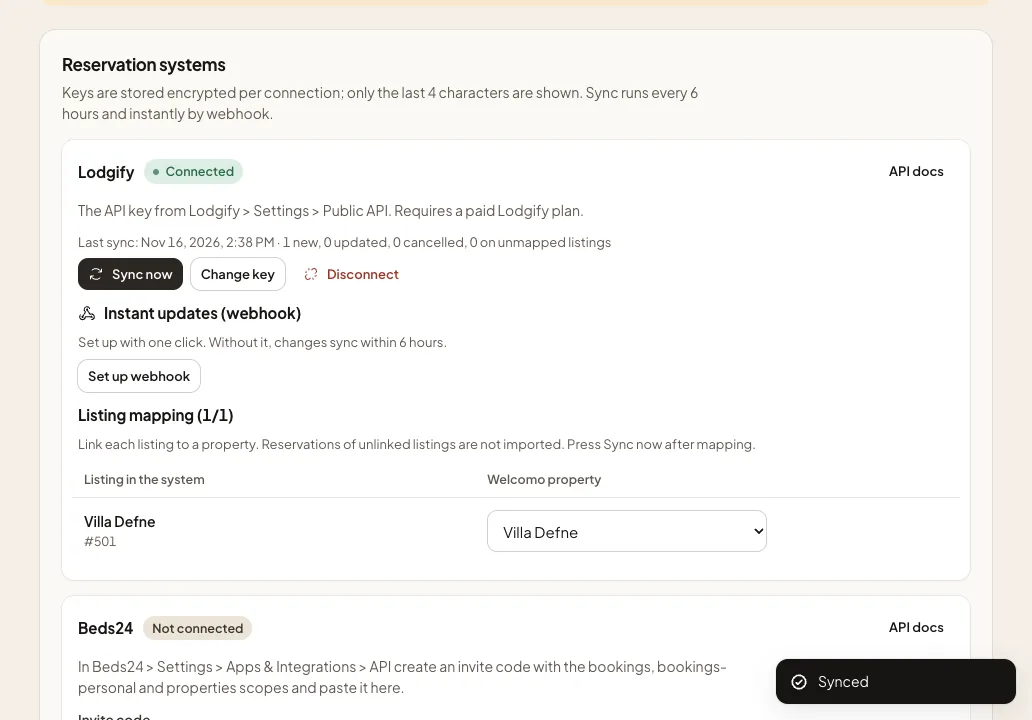
Lodgify
InstantWhat you needAPI key
How to connect
- In Lodgify, create what it needs under Settings > Public API.
- In the Welcomo panel open Integrations, enter it and save.
- Map your listings to your properties. Bookings arrive in the panel.
Welcomo registers the webhook itself and also checks every 6 hours. Requires a paid Lodgify plan.
Hostaway
InstantWhat you needAccount ID and API key
How to connect
- In Hostaway, create what it needs under Settings > Hostaway API.
- In the Welcomo panel open Integrations, enter it and save.
- Map your listings to your properties. Bookings arrive in the panel.
Welcomo registers the webhook itself and also checks every 6 hours. Both values are entered together.
Guesty
InstantWhat you needOpen API Client ID and Client Secret
How to connect
- In Guesty, create what it needs under Integrations > API & Webhooks.
- In the Welcomo panel open Integrations, enter it and save.
- Map your listings to your properties. Bookings arrive in the panel.
Welcomo registers the webhook itself and also checks every 6 hours. Open API access depends on your Guesty plan.
Hospitable
Instant once you add the webhook addressWhat you needPersonal access token with read scope
How to connect
- In Hospitable, create what it needs under Apps > API access > Access tokens.
- In the Welcomo panel open Integrations, enter it and save.
- Map your listings to your properties. Bookings arrive in the panel.
Add the webhook address shown in the panel to your system and changes arrive instantly. Without it, sync runs every 6 hours. Requires a paid plan; API access may need approval.
ON SCREEN
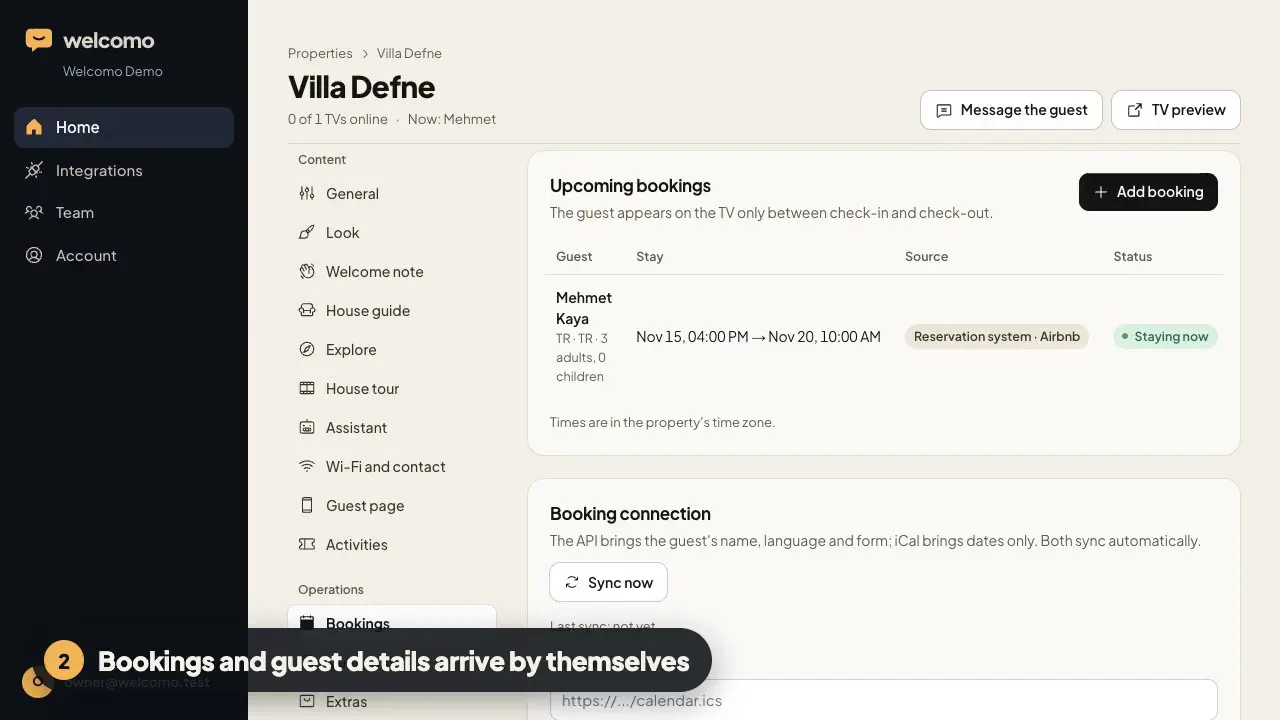
From connection to welcome
DATA
What comes through?
- DatesCheck-in and check-out
- Guest nameThe screen greets them by name
- LanguageOpens in EN, TR, DE or RU
- Phone and emailTo reach the guest
- CancellationThe guest link closes
iCAL
Airbnb and Booking.com?
iCal brings the dates. For the guest's name and language, manage those channels through a connected system.
| iCal | Connected system | |
|---|---|---|
| Dates | Yes | Yes |
| Guest name | No | Yes |
| Language | No | Yes |
| Phone and email | No | Yes |
What if my system is not listed?
Use an iCal link: dates arrive, guest name and language do not. Tell us which connection you need.
Does it connect directly to Airbnb or Booking.com?
No. These channels open direct access to approved partners only. They arrive through one of the listed systems or iCal.
How often does it sync?
Instantly on Hostaway, Guesty and Lodgify. On Beds24 and Hospitable instantly once you add the webhook address, otherwise every 6 hours.
What happens when a booking is cancelled?
The sync sees it and the guest's phone link closes.
Is my key safe?
It is stored encrypted and the panel shows only its last 4 characters. No payment or card data is asked for.
Connect your reservation system
See your first guest screen in a 7-day demo account.