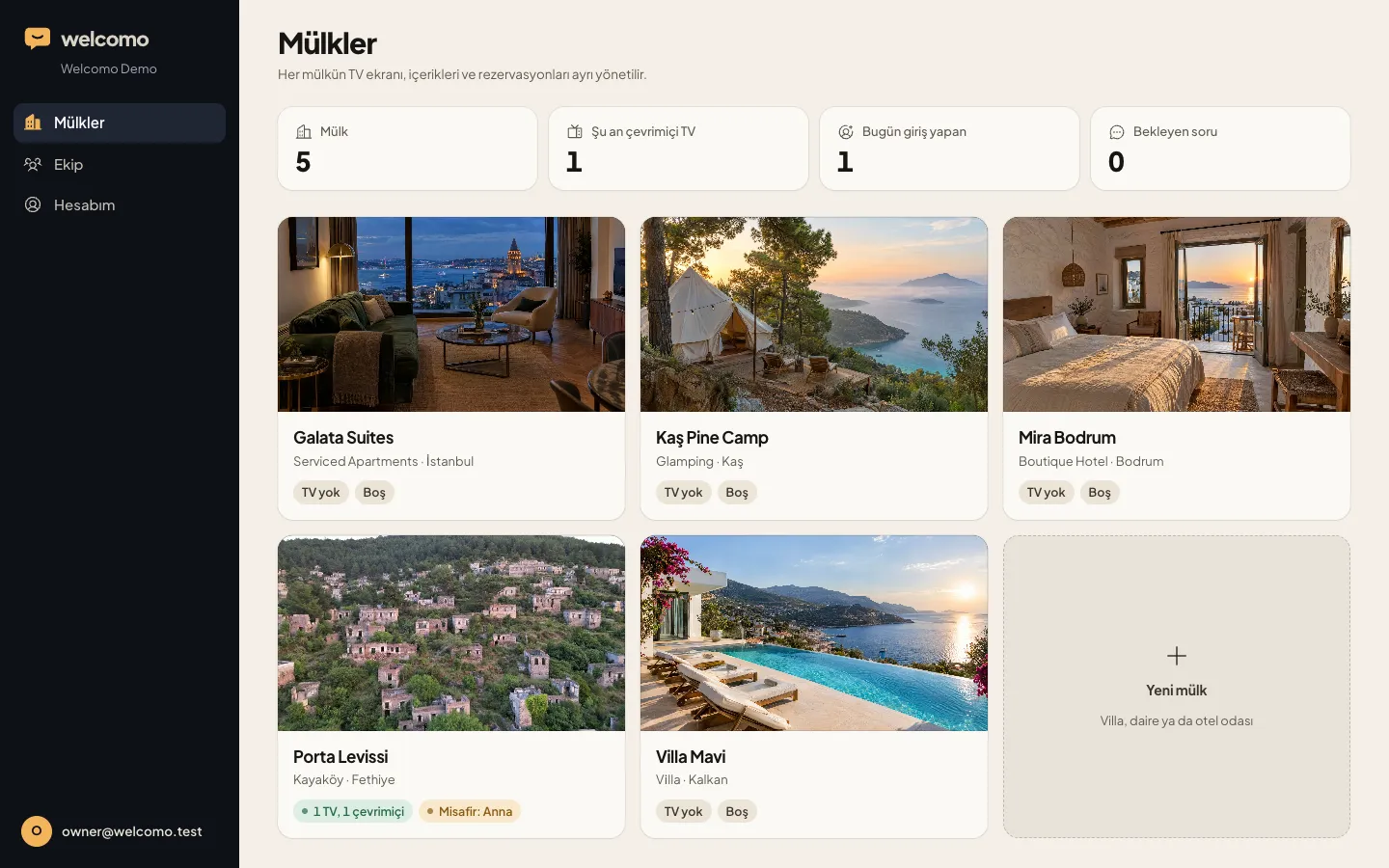
Many apartments, one screen
See every apartment and who is staying in each, in one list.
 Holiday villasWelcome, rules and guide in place, even when the host is away.
 Boutique hotelsA branded reception in every room.
 Serviced apartmentsA calm, current guide for longer stays.
 Guesthouses and glampingA big welcome for a small property.
SERVICED APARTMENTS
With self check-in, nobody may meet the guest in person. The screen does the first welcome and shows Wi-Fi, parking, rubbish and shared-area details for that exact apartment.
Example property Galata Suites, Istanbul
This is the real app. Use the remote.
WHAT GUESTS SEE
Guests open the door, turn on the TV and see their name and a note for their apartment.
Wi-Fi, parking, rubbish days, shared-area rules. Separate for each apartment, in the same layout.
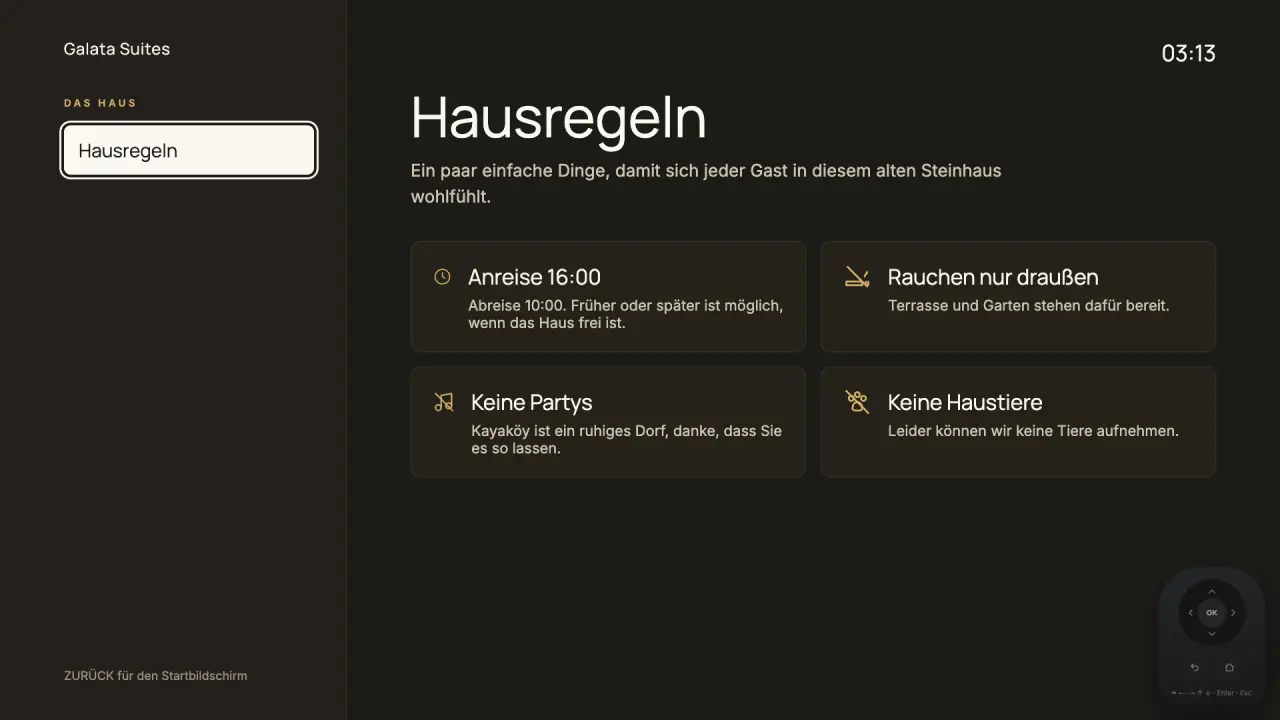
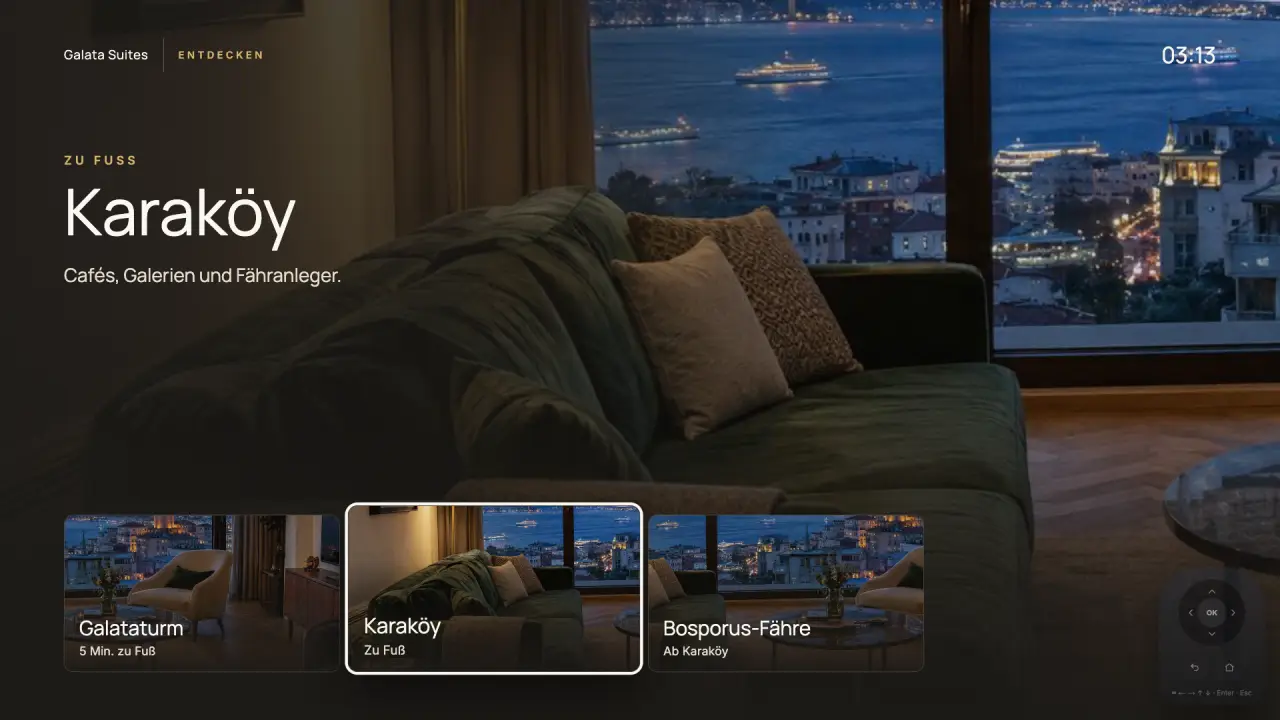
Nearby cafés, transport, supermarket and pharmacy. Useful for long stays too.
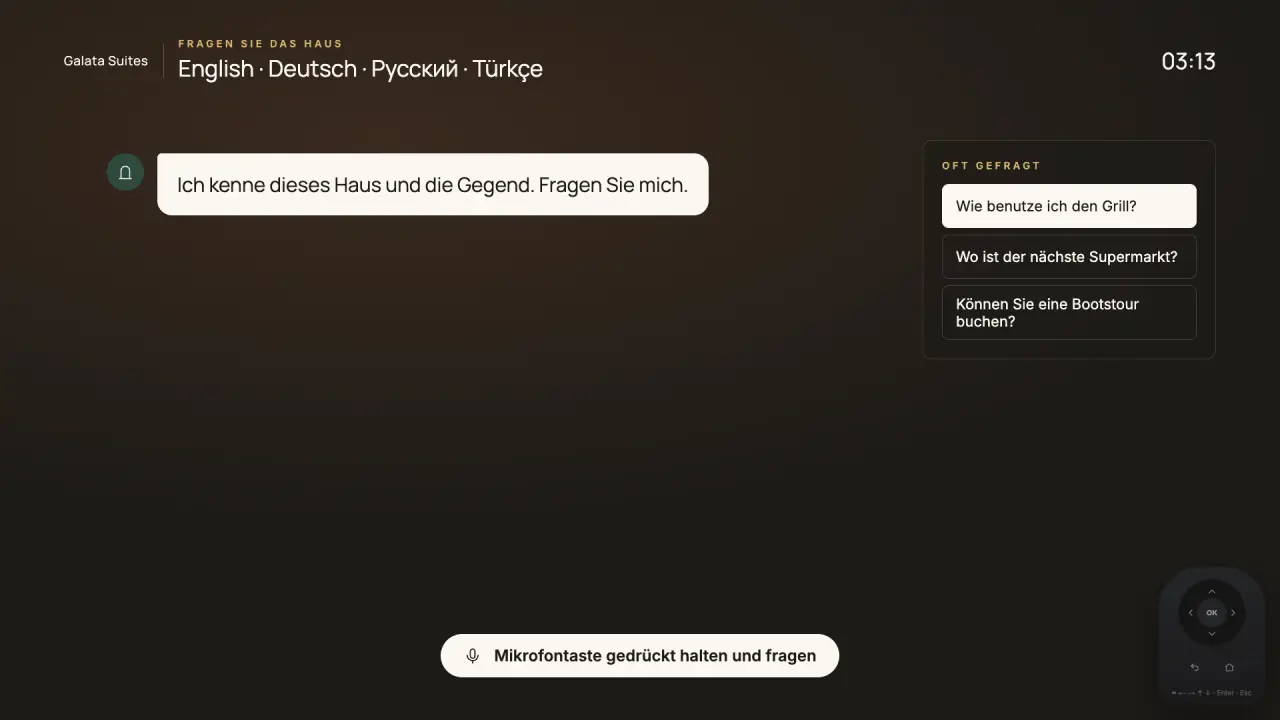
How does the washing machine work, where is the nearest metro? Answers come from your information.
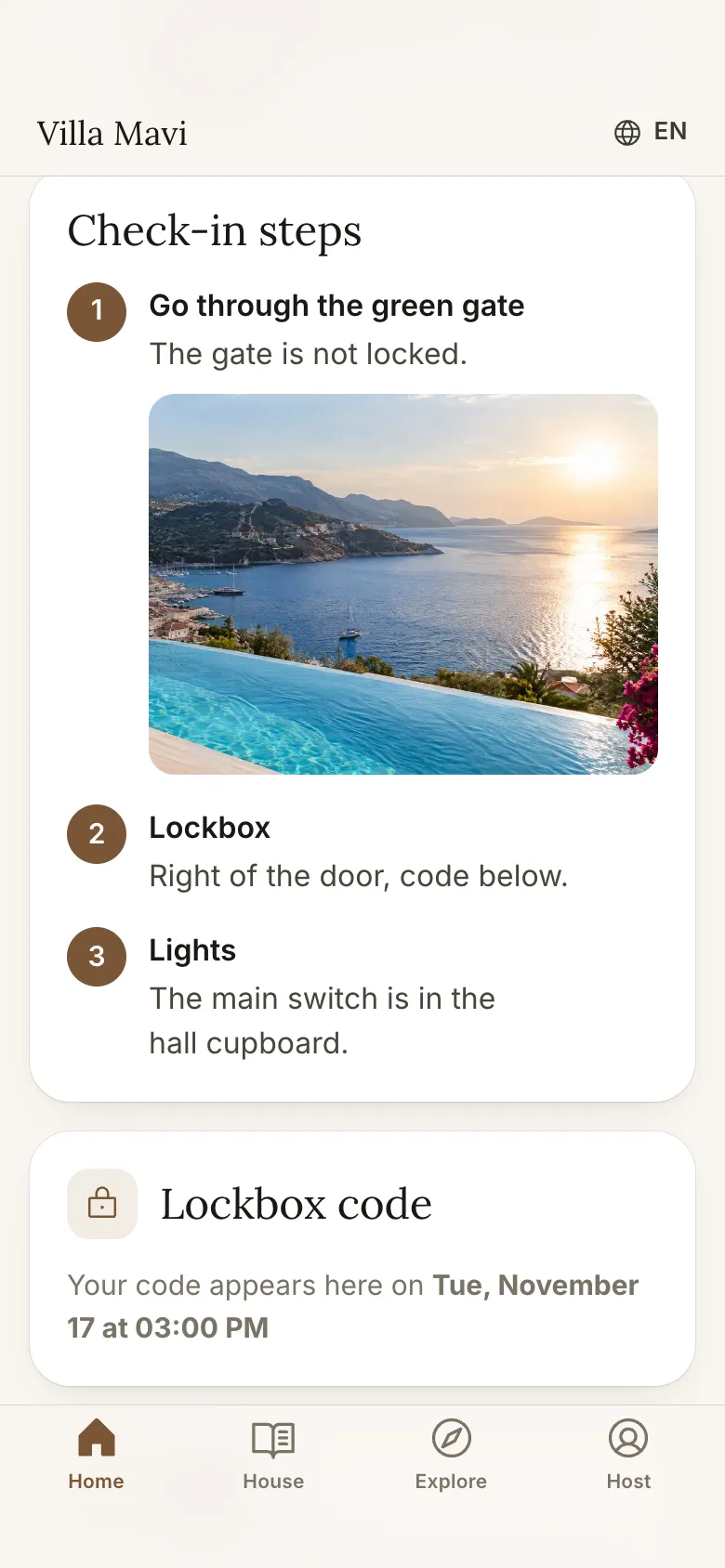
Check-in steps on the phone; the door code shows only to that guest, from the time you set. Out and about, everything is in their pocket.
WHAT YOU DO
See every apartment and who is staying in each, in one list.
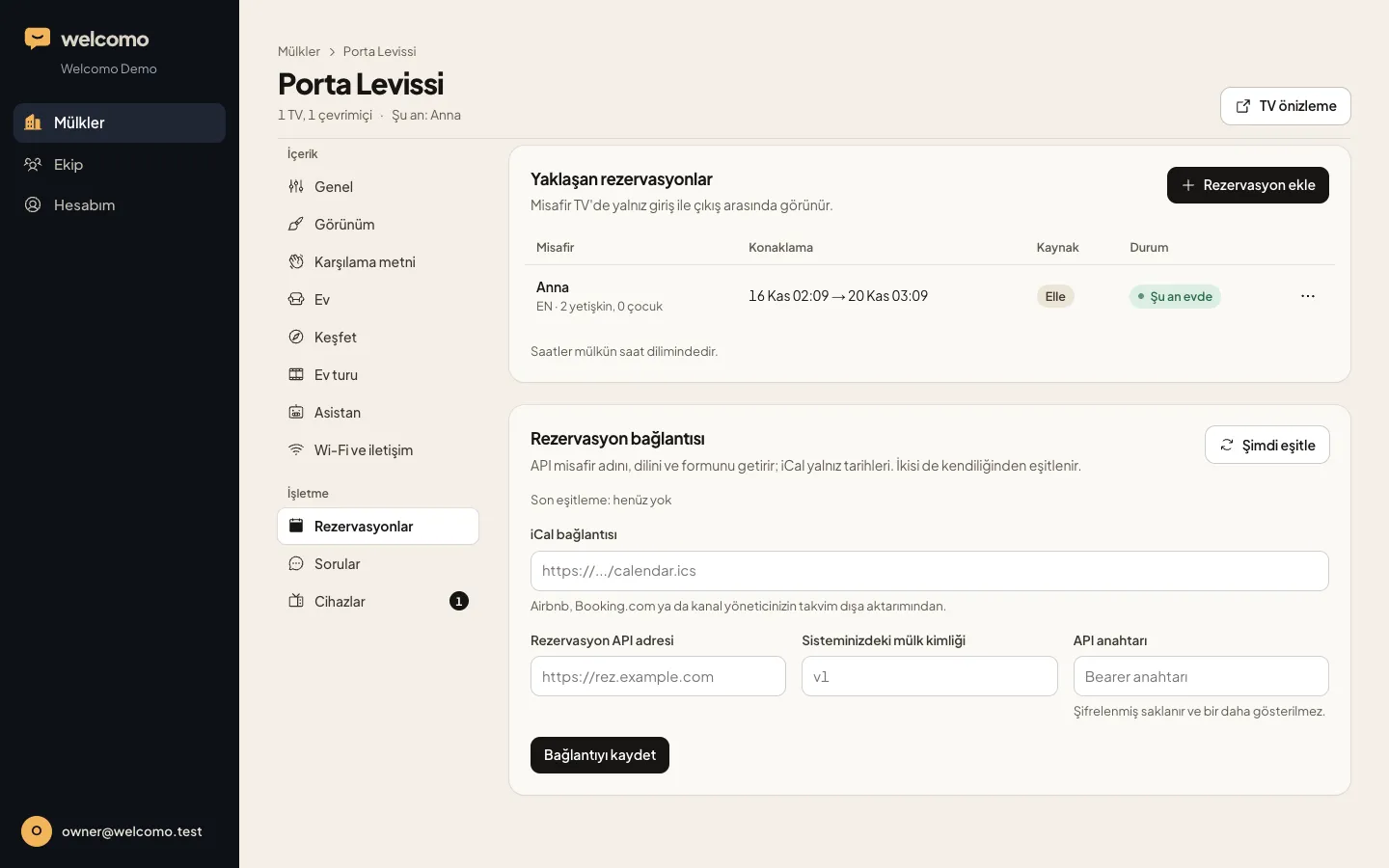
With Beds24, Lodgify, Hostaway, Guesty, Hospitable or iCal, each apartment's bookings arrive by themselves; a cancelled booking closes its phone link.
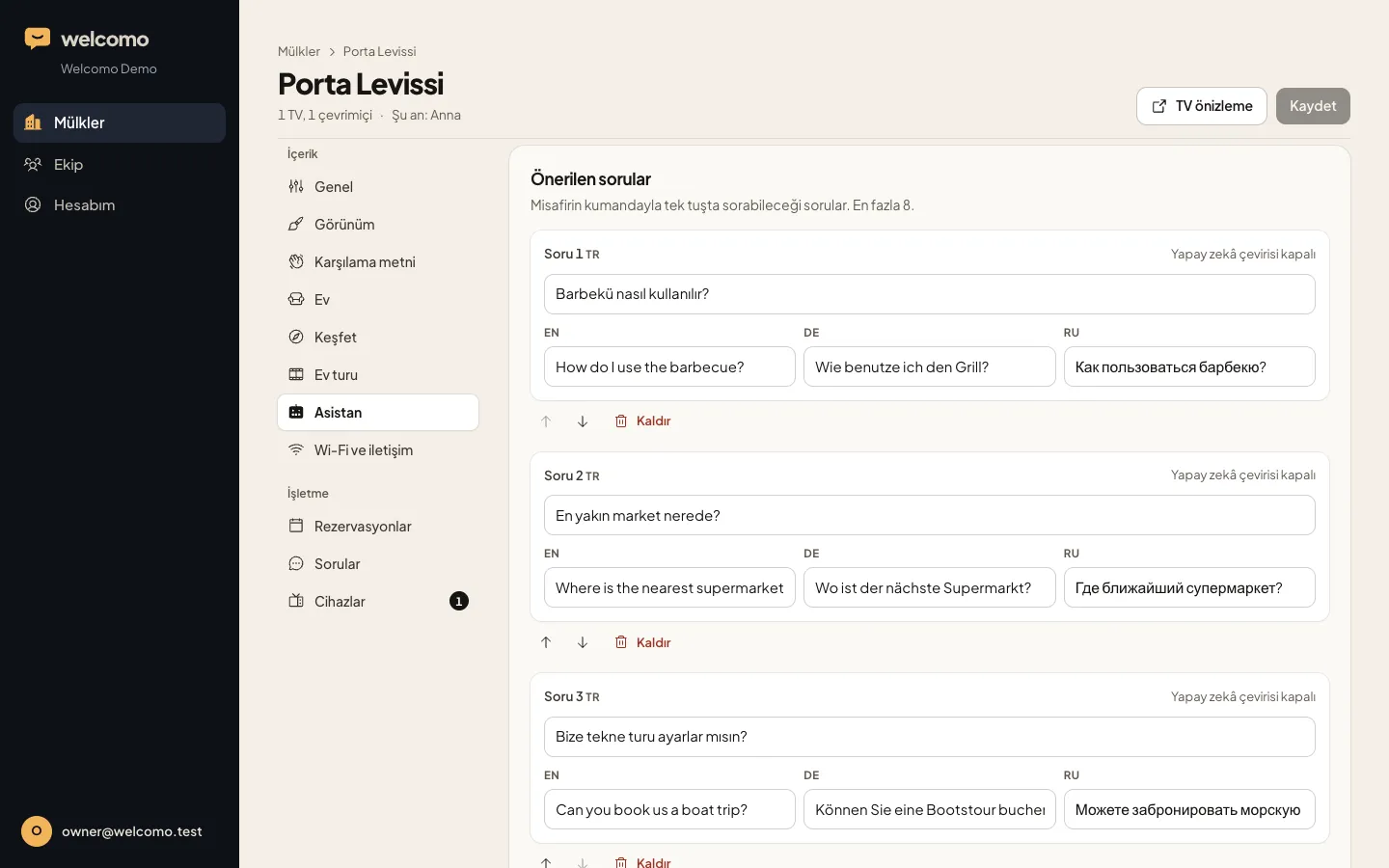
Add the questions guests ask most and let them ask with one press on the remote.
WHAT IT SAVES YOU
FAQ
No. Each apartment is its own property in the panel, with its own Wi-Fi QR, rules and guest.
Yes. The welcome note and tips can be updated during the stay, and the guide is always at hand.
That's fine. We pick the route per TV: the app from Google Play on Google TV, a Google TV stick elsewhere.
We don't recommend showing sensitive details like door codes on the TV. The phone page opens with a private link per booking and closes at check-out.
We'll open a 7-day demo account so you can see your own property on screen.