



What does hotel mode actually do?
The details differ by manufacturer, model and firmware. These are the common building blocks described in manufacturers' own documentation for hospitality TVs.
| Function | What it does | Why hotels want it |
|---|---|---|
| Power-on input or channel | TV always starts on a set input or channel, or on the last one | Guest never lands on a confusing source menu |
| Power-on status | After mains power returns, the TV turns on, goes to standby or restores its last state | Predictable behaviour after a power cut |
| Start, minimum and maximum volume | TV starts at a set volume and the guest cannot go above a limit | Protects neighbouring rooms and the next guest's ears |
| Locked menus and keys | Hides or locks settings and the panel buttons | Guests cannot break picture, network or app settings |
| Settings cloning or central management | Copy a setup by USB or manage many TVs from one system | Configure a hundred rooms the same way |
Based on LG and Samsung hospitality TV manuals and Philips and Samsung hospitality product material, retrieved 16 Nov 2026. Menu names vary by model and year.
How do LG, Samsung and Philips each do it?
LG: its hospitality range is sold with Pro:Centric, a First Use Wizard, an Installer Menu and USB data cloning. A commercial LG installation manual describes a Hotel Mode Operation switch (when off, hotel functions do not apply), a Power On Status setting with always on, standby or last state, start, minimum and maximum volume, and a choice of whether the TV starts on a set input or the last stored one.
Samsung: its hospitality range uses LYNK REACH for content and management over LAN, Wi-Fi or coaxial cabling, with welcome messages and express check-out. A Samsung hotel TV manual describes Standalone and Interactive hospitality modes (Interactive pairs the TV with a set-top or set-back box), power-on volume with minimum and maximum limits, a power-on source, and guest restrictions such as limited volume and panel key lock.
Philips: its MediaSuite hospitality TVs offer remote configuration through a PC-based installation tool, AppControl to add, delete and sort apps by room profile, and volume limitation that predefines the maximum volume so other guests are not disturbed.
Why do consumer TVs differ from hospitality TVs?
Consumer TVs are designed for a living room where the owner is the user. Hospitality TVs are designed for a room where the person using it did not buy it and will leave tomorrow. That shows in the feature set: installer menus, locked settings, data cloning, content protection and central management.
Consumer sets may contain hidden service or installer menus, but they are not intended for end users, key sequences differ by model, and warranty and behaviour can change. Hospitality sets also cost more and are sold through professional channels. For a villa or apartment with two or three TVs, that is rarely the right trade.
What a small host needs from a TV is usually only three things: it starts on the right screen, the volume is sane, and guests cannot get lost. You can get close to all three on a consumer TV with its normal settings plus the right start-screen device.
- Set the TV's power-on input or behaviour in its normal settings where available.
- Enable HDMI-CEC if you use an HDMI stick so the stick can wake the TV and switch the input.
- Turn off automatic updates if a past update changed power-on behaviour.
- Keep a spare remote and mark it so it does not wander off.
How does hotel mode relate to a welcome screen?
Think of hotel mode as the stage manager and the welcome screen as the show. In a hotel with an IPTV system, the system provides both. In a villa or apartment, Welcomo provides the welcome screen and the way it starts.
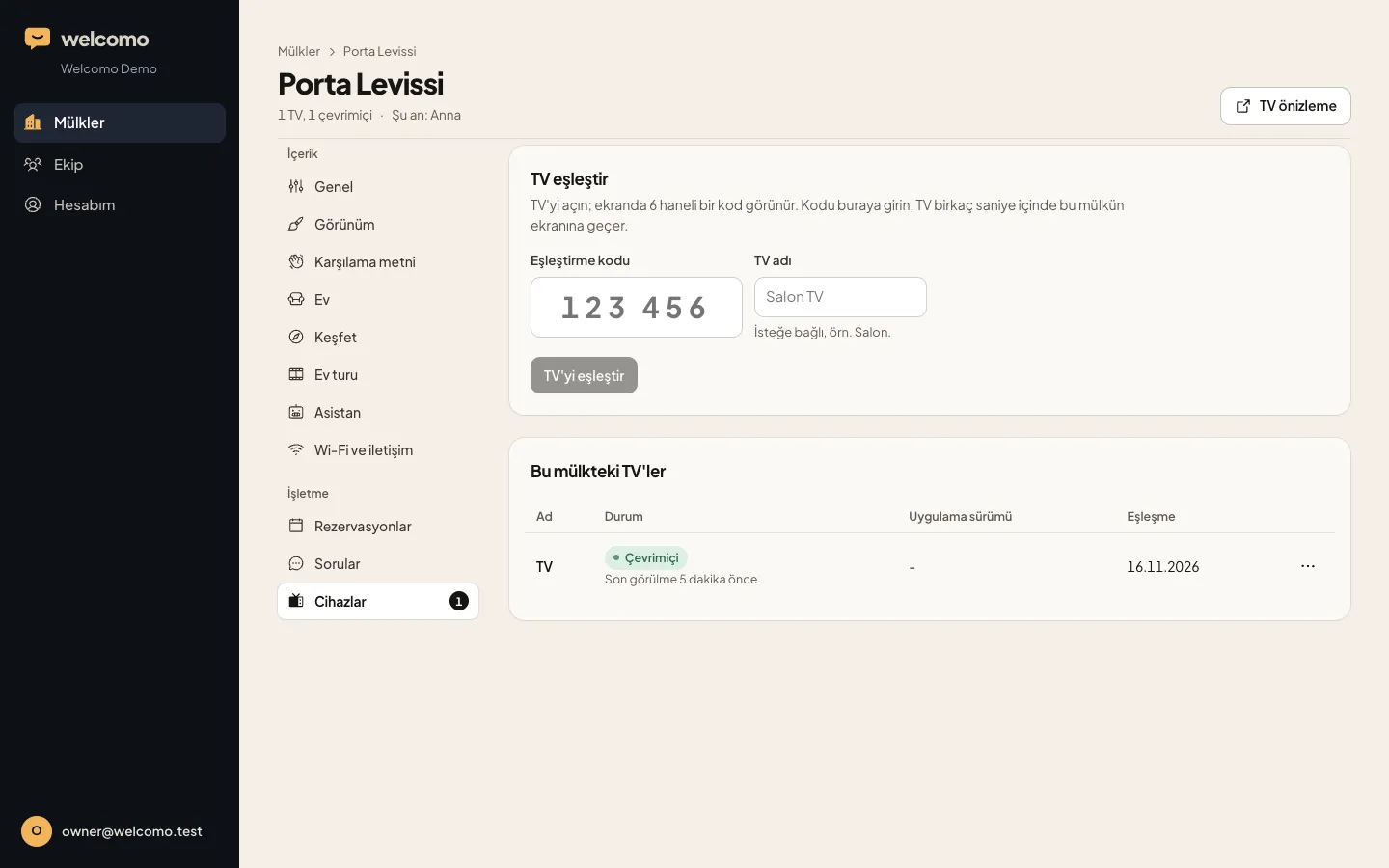
Google TV and Android TV run the Welcomo app directly. On LG webOS and Samsung Tizen TVs, a Google TV stick on HDMI is recommended; the owner buys it and installs Welcomo from Google Play (coming soon; write to us for setup). This TV can also run the Welcomo app (once it is published in the TV's app store), but it will not open by itself at power-on; the guest has to open it with the remote. 2018 and 2019 sets are tested first. Everything else, including Fire TV and Roku TVs, also uses a Google TV stick on HDMI, and the TV is set to start on that input through its power-on input or HDMI-CEC (LG SIMPLINK, Samsung Anynet+, Sony BRAVIA Sync, Philips EasyLink). Step by step: /en/setup.
That is the same behaviour a hotel gets from power-on input in hotel mode, achieved with the TV's normal settings. If your TV is a real hospitality model that is already managed by a system, talk to us before changing anything.
How do I test a start-up setup like a guest would?
Do this once per TV, and again after any update.
- Unplug the TV from the wall for a minute, plug it back in and press power on the remote.
- Check what the TV shows first and how loud it is.
- Press Home, Back and Source on the remote and see if you can get lost.
- Switch to Netflix or YouTube and back, then power off and on again.
- Ask someone who has never seen the TV to turn it on and tell you what they would do next.
When does real hospitality hardware make sense?
If you run a hotel with dozens of rooms, regular channel packages and a central system, hospitality TVs are built for you. Central management, locked settings and cloning a setup across many rooms save real time at that scale.
For a villa, apartment block or guesthouse with a handful of screens, the cost and complexity are rarely justified. The three things you need, a predictable first screen, a sane volume and guests who cannot get lost, can be met with the TV's ordinary settings and a welcome screen device.
Frequently asked
What is smart TV hotel mode?
A set of installer settings for hospitality TVs: a fixed power-on input or channel, start and maximum volume, locked menus and keys, and central or USB-cloned setup. Names and options vary by manufacturer and model.
Can I enable hotel mode on a normal consumer TV?
Some consumer sets have hidden installer menus, but they are not meant for end users, key sequences differ by model, and behaviour or warranty can change. We do not recommend it. Use the TV's normal power-on and CEC settings plus a start-screen device.
Do I need hotel mode for a vacation rental?
No. For a few TVs you can get a predictable start screen, a sane volume and a clear first screen without hospitality hardware.
Does hotel mode give me a welcome screen?
No. It controls how the TV behaves. The welcome screen is content, and it needs its own app or system, such as Welcomo or a hotel's IPTV platform.
Does Welcomo work with hospitality TVs?
Welcomo is designed for ordinary consumer TVs in villas, apartments, boutique hotels and guesthouses. If you have hospitality TVs managed by a system, contact us with the model first.
Sources
- LG: installation manual for a commercial hotel TV (Hotel Mode, Power On Status, volume, input) · retrieved November 16, 2026
- LG: hospitality TV product page (Pro:Centric, installer menu, USB data cloning) · retrieved November 16, 2026
- Samsung: hotel TV user manual (Standalone and Interactive modes, volume, power-on source) · retrieved November 16, 2026
- Samsung Business: HF690 hospitality display (LYNK REACH 4.0) · retrieved November 16, 2026
- TP Vision: Philips MediaSuite hospitality TVs, remote configuration and AppControl · retrieved November 16, 2026